Common Features (to all Tabs)
Distributor Tab
Front and Loading Units Tab
Incubator Tab
LiVaCo System and Drawer Tab
Load Stations Tab
Luminometer Tab
Magnet Washer Tab
Pipettor Tab
System Tab
Click the button at the top of the page to send feedback, comments, or change requests.
 Starting Service Software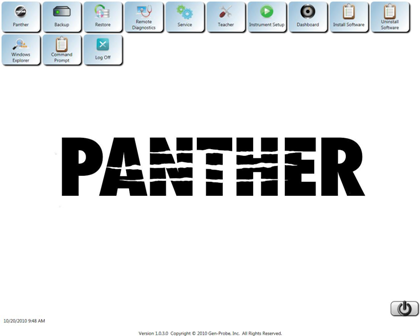
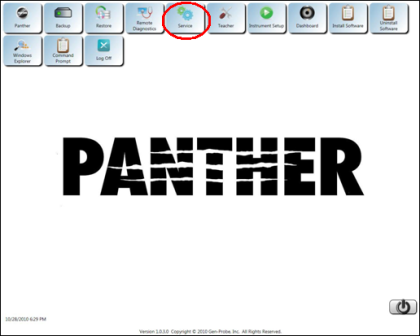
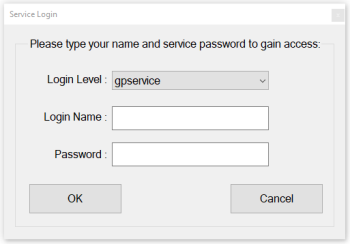
 button at the top of the page to send feedback, comments, or change requests. button at the top of the page to send feedback, comments, or change requests.