Firewall Wizard
Parts and Materials Required
- Completed Site Assessment Form
- FSE Laptop
- Firewall Wizard Software
- Ethernet Cable 3m/10ft [To be purchased by FSEs]
- USB A to Mini USB (5506-X only)
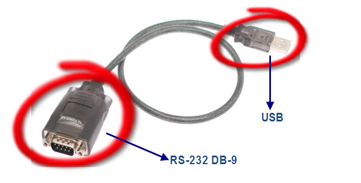
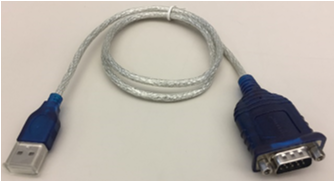
 USB to Serial Cable [To be purchased by FSEs]
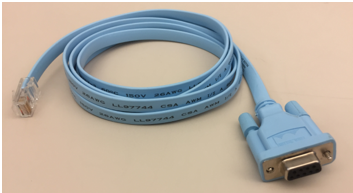
- RS232 to RJ45 Console Cable
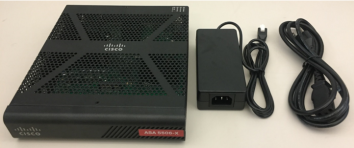
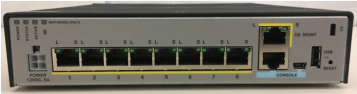
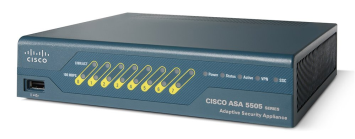
- Cisco ASA Firewall 5506-X
OR
Time Required
- 1 Hour
Procedure
Part A: Installing Firewall Wizard Software
Part B: Connecting the Cisco ASA 5505/5506 to FSE Laptop
Part C: Programming the Firewall
Part D: Setting a Panther IP Address on the Panther Workstation
Part E: Hardware Setup after Firewall has been configured
 button at the top of the page to send feedback, comments, or change requests.