Parts and Materials Required
- Allen wrench, 2.5 mm
- Allen wrench, 4 mm
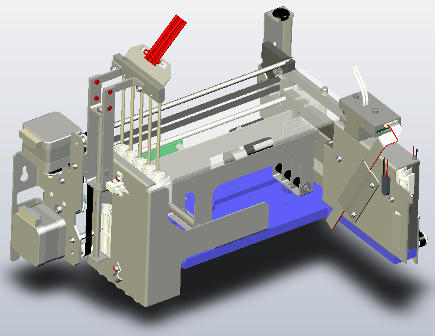
- OUTPUT Q, MODULE
Time Required
- 45 minutes
Removal Procedure
- Put on proper PPE.

|
WARNING—MTUs may be present in module. It is necessary to remove all MTUs to avoid contamination. |
- Clear MTUs using one of the following methods
- Reboot the Panther System main software.
Or
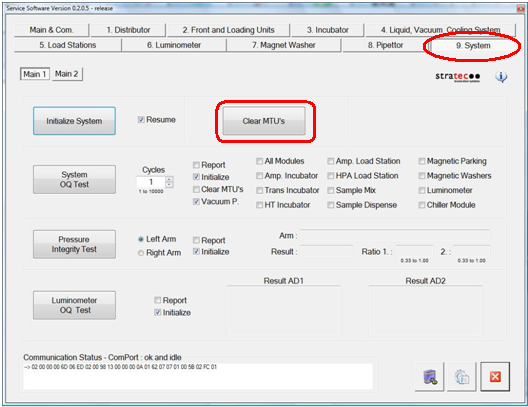
 Start Service Software, navigate to the Service Software System tab, and click Clear MTUs.
- Reboot the Panther System main software.
- Power down the Panther System.
- Move the pipettors clear of the work area.
- Move the Reagent and Sample Pipettors up to their Z-Axis home positions.
- Move the Reagent Pipettor to the front-left of the system.
- Move the Sample Pipettor to the front-right of the system.
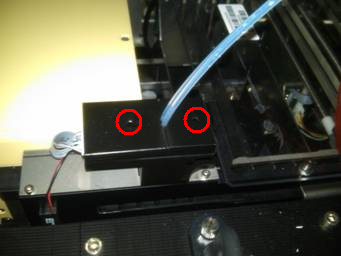
- Using a 2.5 mm hex key, unscrew the two screws that secure the two OLV covers.
- Remove both covers from the OLV board.
- Remove the injectors and place on an absorbent pad.
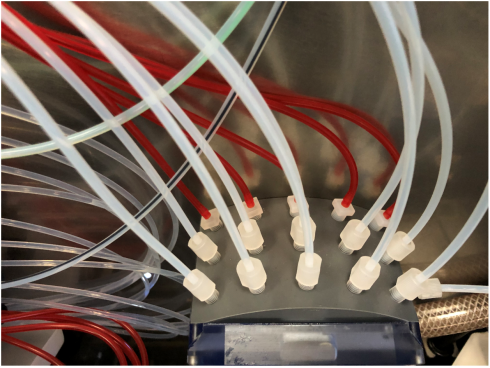
- Remove the RED Aspirator Tubes from the barb fittings at the vacuum manifold and secure tubing for removal. Or Unscrew the barb fittings with the RED Aspirator Tubing attached.
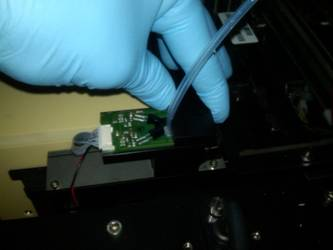
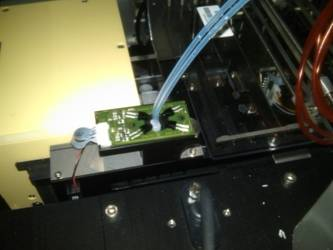
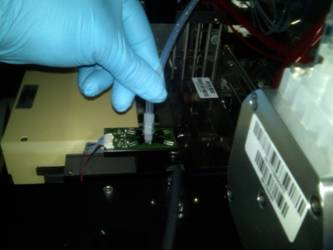
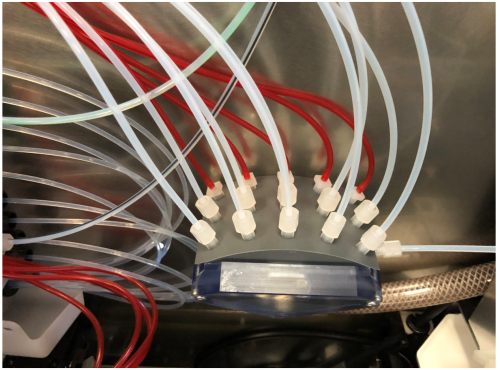
- Carefully open the Service Drawer.
- Loosen, but do not remove, the four 4 mm hex screws that secure the Output Queue to the rear wall of the Panther System. Two screws are located at each end of the Output Queue–two on the right and two on the left.
- Gently lift the Output Queue up and outward to remove it from the mounting screws. The output queue can be maneuvered out of the side of the system with the service drawer open.
- Unplug the power connector from the main PCB.
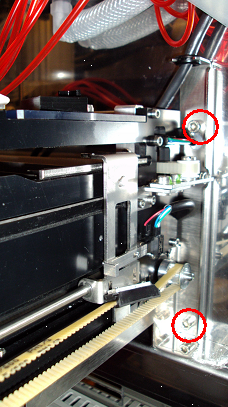
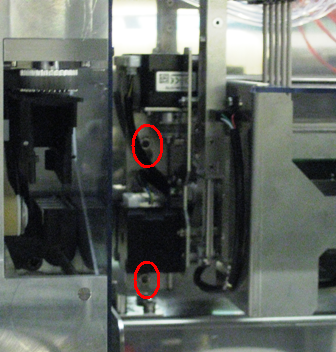
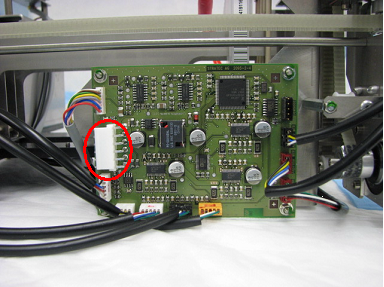

|
Note—If the module will be returned, clean the module. |
Replacement Procedure
- Reverse the removal procedure.
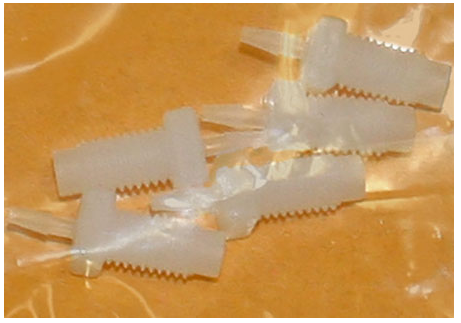
- Make sure to replace the OQ Aspirator fittings [MME-02698]
- Verify that connections are properly seated and screws are all in place.
- Close the Service Drawer.
- Install the Panther System firmware to the module.
Alignment/Calibration
Verification
- Perform a System Level Operational Qualification.
- Start the Panther System main software and PrimeOperation of pumping fluid through tubing to ensure proper and consistent fluid delivery (remove air from the tubing, etc.). the system (see the Panther System Operator's Manual).
 button at the top of the page to send feedback, comments, or change requests.