Panther System Operational Qualification (OQ)
Parts and Materials Required
- 2 MTUs per each OQ cycle
Time Required
- Clear MTUs—10 minutes
- OQ cycle—25 minutes
Procedure
- Put on proper PPE.
- Open Service Software.
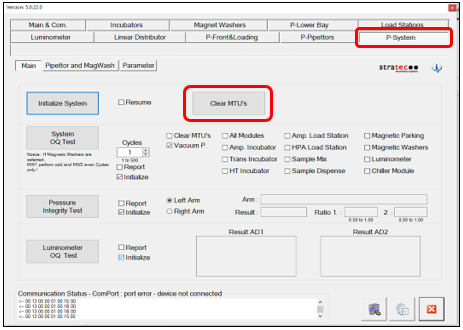
- Navigate to the System tab.
 If needed, select the Clear MTUs checkbox. This instructs the system to check for any MTUs that may be present in any of the system's modules.
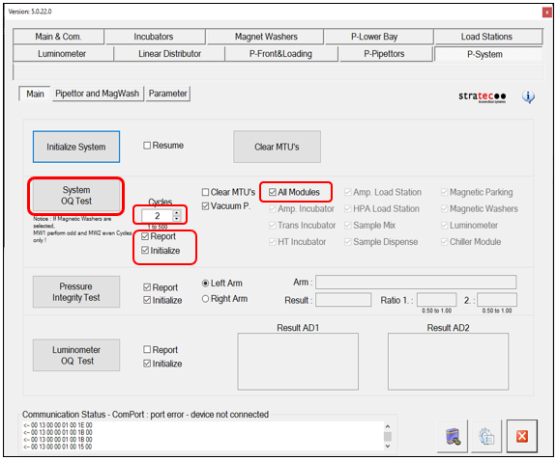
- Check Report to generate a report of the results.
- Check Initialize System to initialize all modules.
- Check the All modules box.
- Select 2 under Cycles. This indicates two full OQ cycles. Additional cycles can be run if needed.
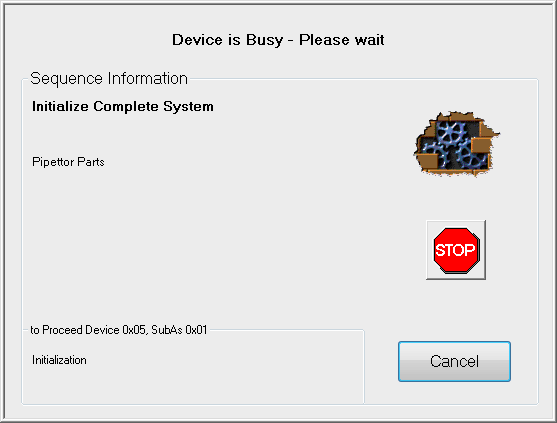
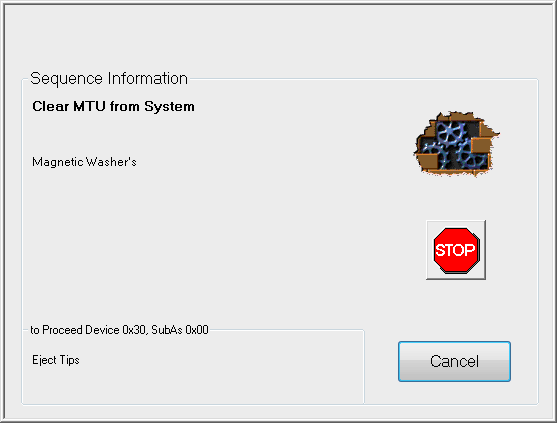
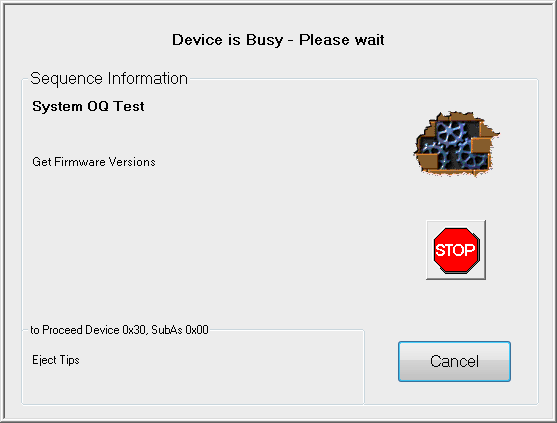
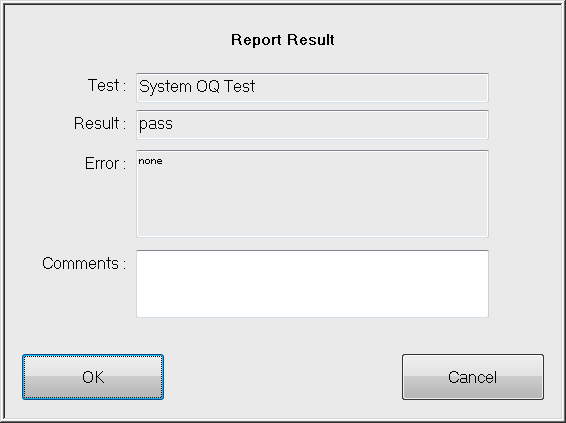
- Click System OQ Test.The system initializes, clears all MTUs, and starts the OQ test.When the OQ test finishes, a report of the results appears on the screen.
- Enter any useful information in theCommentsfield.
- Click OK to save the file.
- Create a name for the file and save it onto the Panther System PC Workstation.
- If this is an installation, continue to System Bootup.
 button at the top of the page to send feedback, comments, or change requests.