Performance Qualification (PQ) Procedure
Purpose
This procedure verifies that Panther System operation is in compliance with Validity and Acceptance Criteria for the currently approved assays.
Panther has two methods of PQs, TMA Transcription-mediated amplification—Hologic's patented nucleic acid amplification technology. and Real-Time processing.
The Fusion, if added, has a 3rd - PCR.
Please familiarize yourself with Automated System Performance Qualification (PQPerformance Qualification) Procedure, Diagnostic [19-03-01-004-WI] on what assay PQ is required for any and all assay types.
Reference Documents
- Current Panther System Operator's Manual
- Current AssayProcedures required to prepare and perform a specific test. In the context of this document, assay refers exclusively to a Hologic test, such as Aptima Combo or Ultrio. Package Insert
- 19-01-23-SOP Service Request Procedure for Field Service
- Automated System Performance Qualification (PQ) Procedure, Diagnostic [19-03-01-004-WI]

Ensure that the most current document revisions are referenced.
Parts and Materials Required
Reference the current version of Automated System Performance Qualification (PQ) Procedure, Diagnostic [19-03-01-004-WI]
Procedure
Performance Qualification Analysis
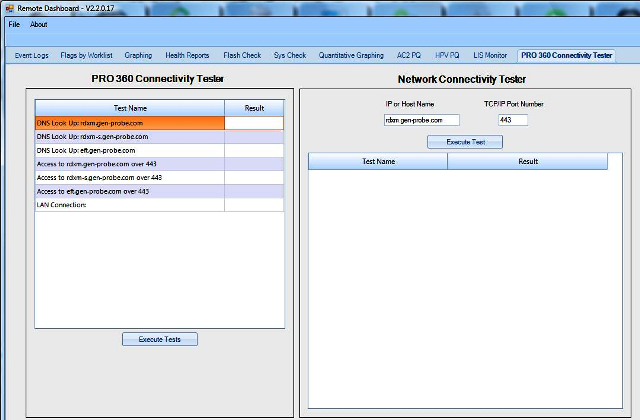
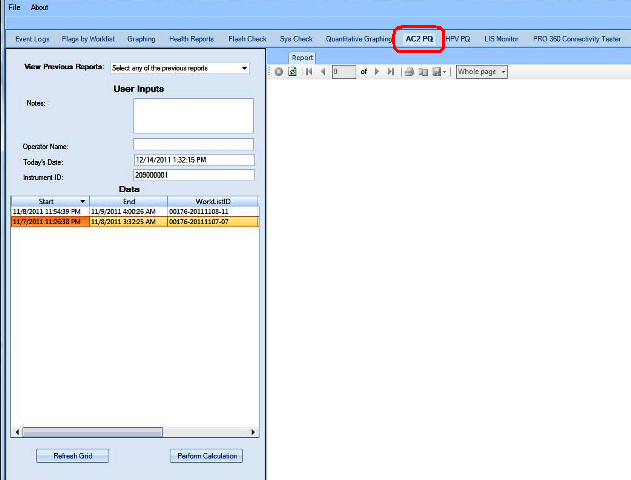
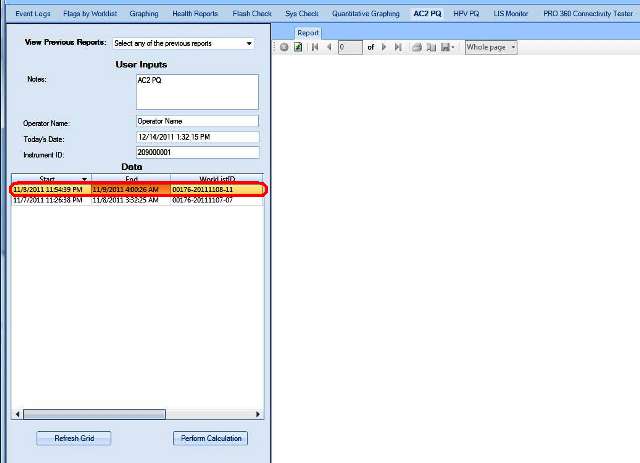
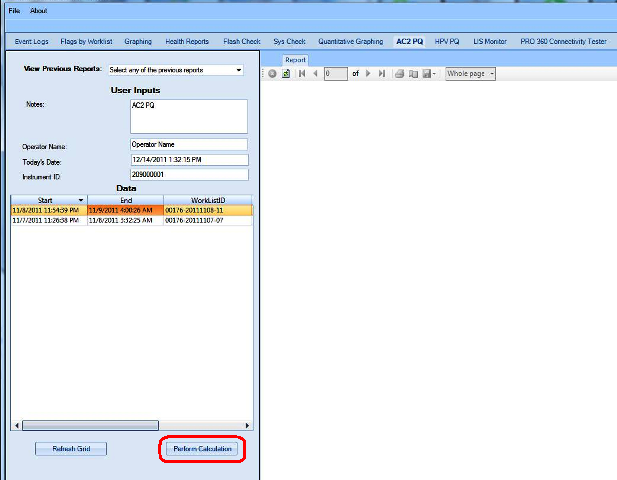
The Performance Qualification results can be analyzed and reported with the Panther Dashboard software
|
|
Note— Not all assays will have a PQ analysis tab within the Dashboard. If not, then the PQ results will need to be manually verified. Refer to Automated System Performance Qualification (PQ) Procedure, Diagnostic [19-03-01-004-WI] for acceptance and validity criteria for all assays that have a PQ. |
APTIMA COMBO 2 Assay PQ Analysis
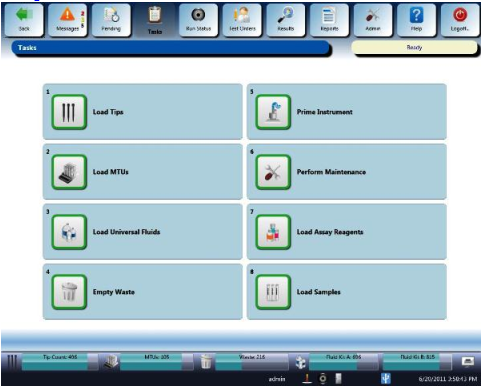
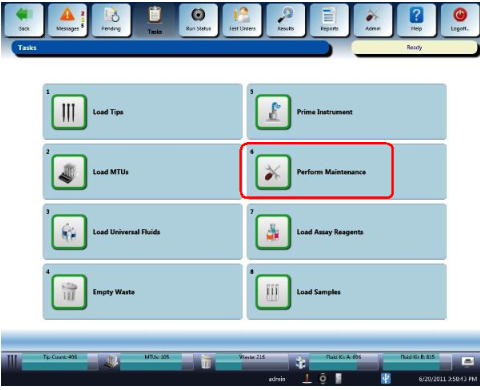
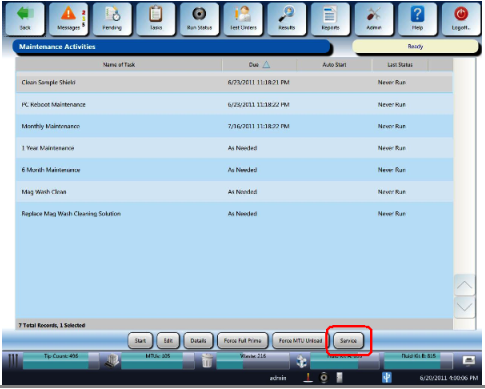
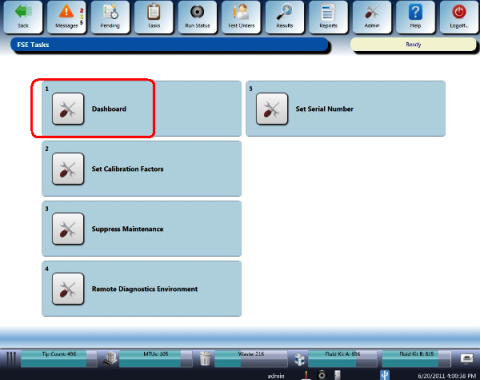
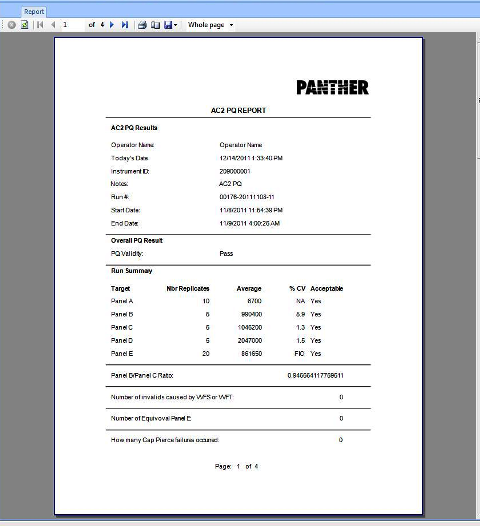
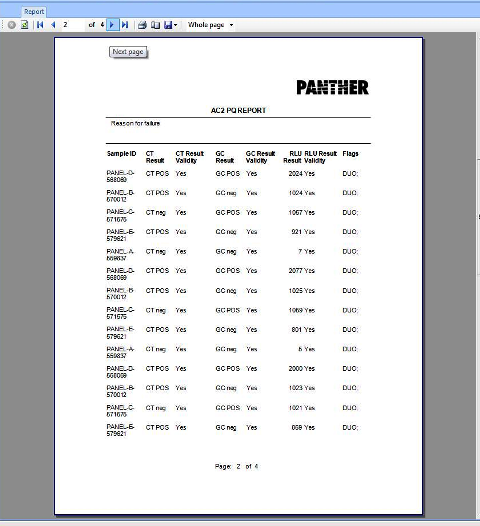
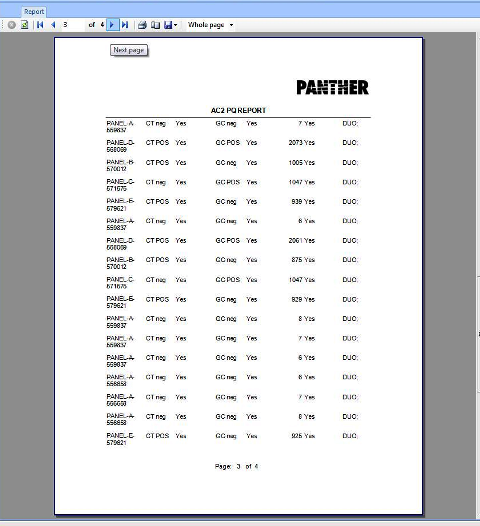
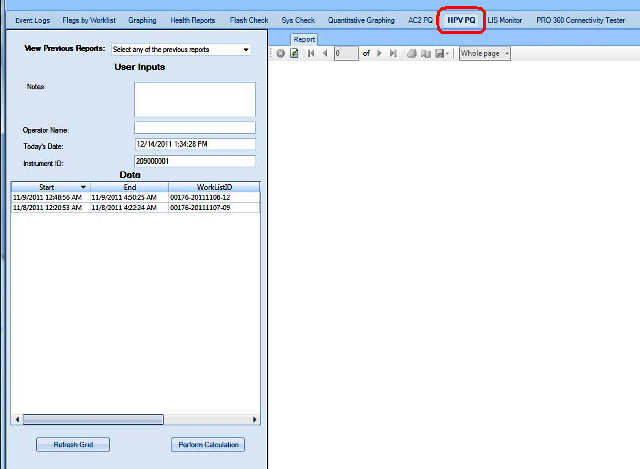
APTIMA HPV Assay PQ Analysis
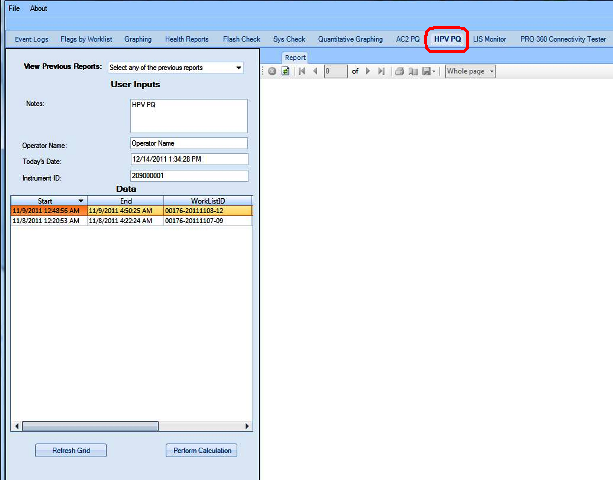
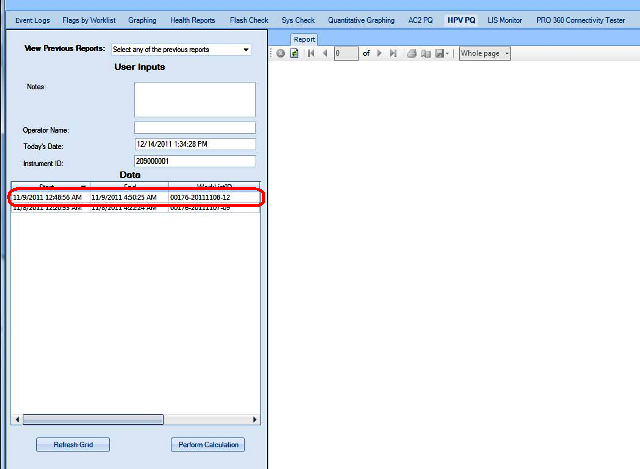
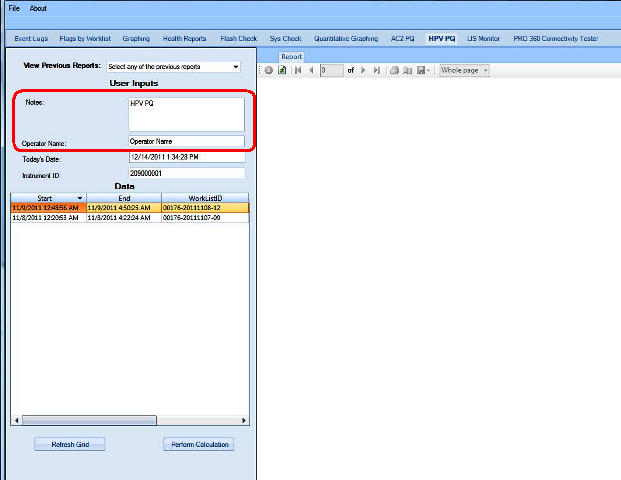
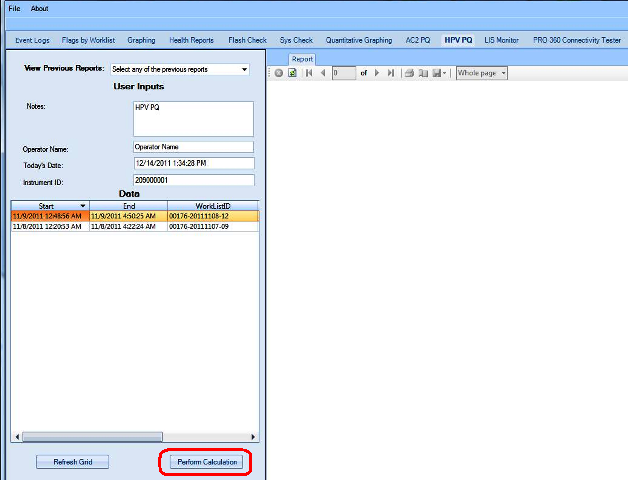
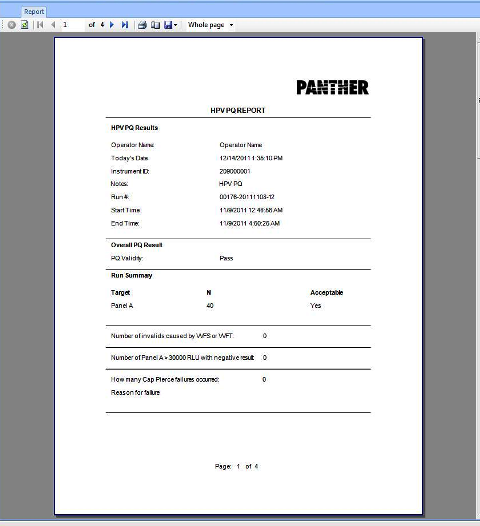
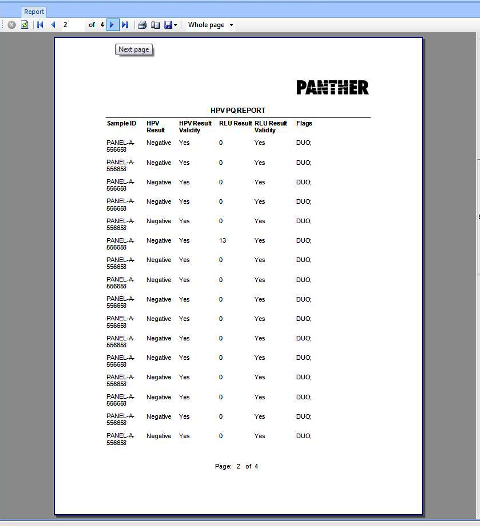
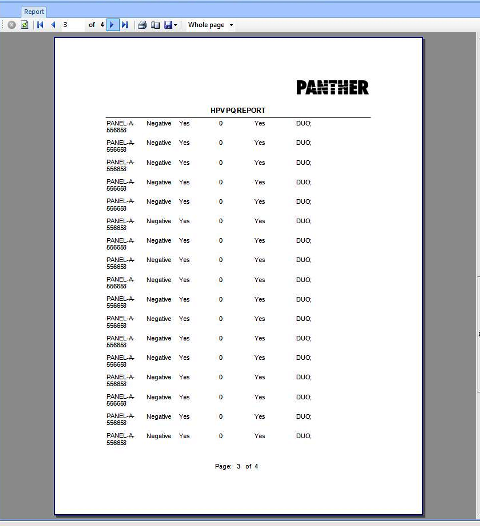
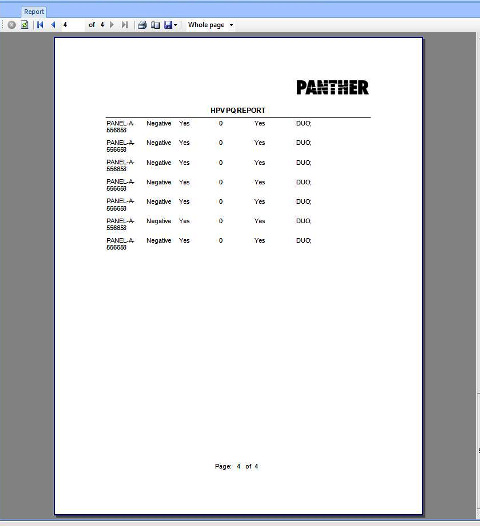
Validity and Acceptance Criteria
Reference the current Automated System Performance Qualification (PQ) Procedure, Diagnostic [19-03-01-004-WI].
All PQs required (passing and any failed PQs with mediation notes) should be attached to the applicable service record.
Nonconforming Results
- Nonconforming results will be recorded and reported to the test lead for disposition whether to repeat the failed run or reject the system.
- Root cause analysis, corrective/preventative action identification, and verification testing, as applicable, will be completed prior to disposition and attached per 19-01-23-SOP Service Request Procedure for Field Service
- Run failures due to operator errors will be documented and a protocol retest will follow.
- System hardware failures require module verification testing followed by a protocol retest.
-
All PQs required (passing and any failed PQs with mediation notes) should be attached to the applicable service record.
 button at the top of the page to send feedback, comments, or change requests.