Starting Service Software
Procedure
- Power on the Panther System.
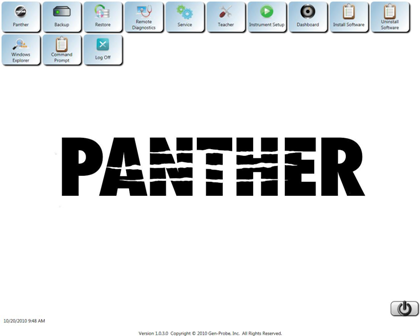
- Log in to the Panther FSE Shield software.
 The Panther FSE Shield software screen appears.
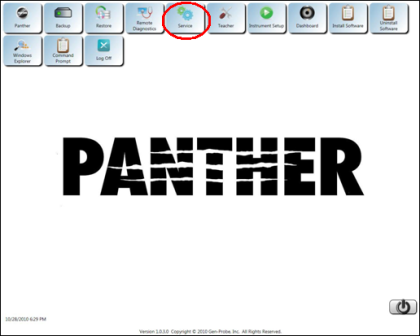
- Click the Service icon.
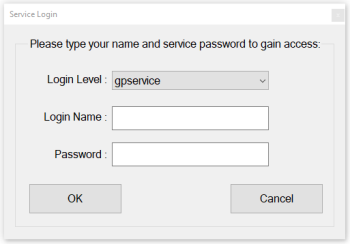
- A Service Login dialog box appears.
- Leave gpservice selected in the Login Level field.
- Leave Login Name blank (You can type in your name and it will add your name to any report generated).
- Type gpservice in the Password field.
- Click OK. The Service Software launches and the main page appears.
 button at the top of the page to send feedback, comments, or change requests.