How to Install Panther Software
Parts and Materials Required

|
Note — The instructions listed below are offered as a general guide. Always refer to the applicable SW installation TB for up to date information on install requirements and procedures. |
|
|
NOTE Software installations MUST follow the order listed below:
|
Time Required
- 15 minutes
Procedure
|
|
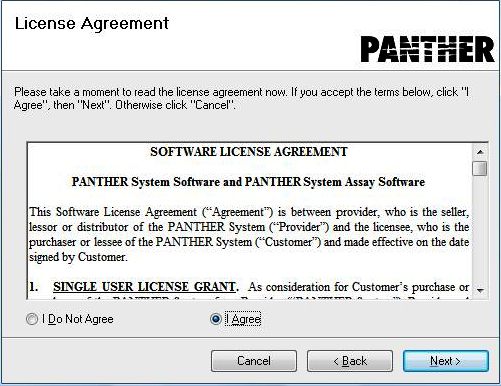
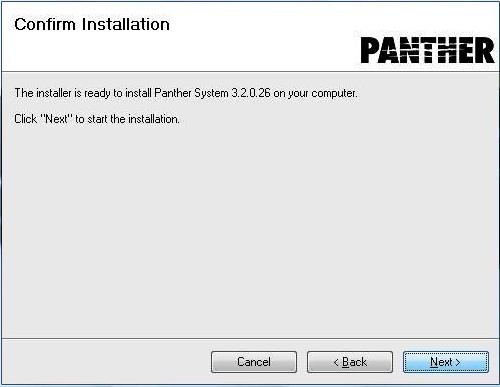
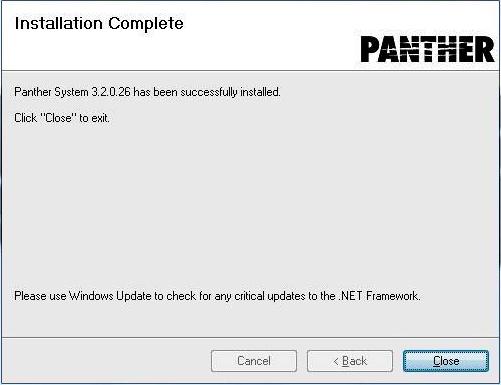
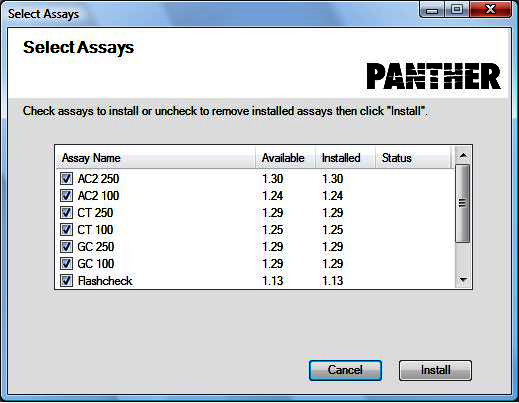
NOTE—Screenshots listed below are for reference ONLY. |
- Restart the PC and log in to the FSE Shield.
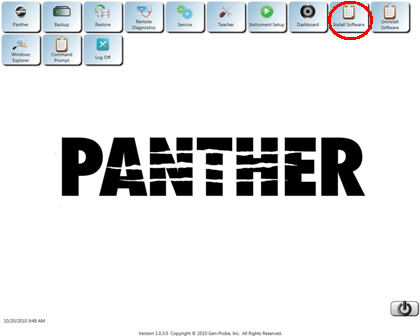
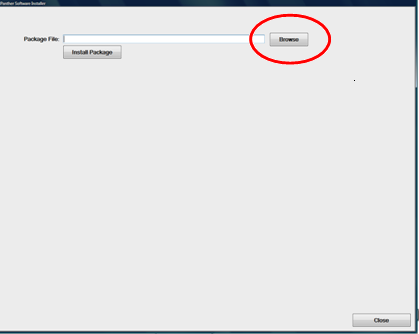
 Install Software
- Continue installation of software by repeat Steps 2c – 2j of this procedure.
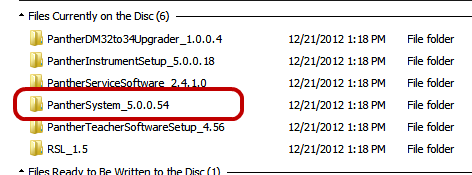
At Step 2d, select the following files, one at a time, in the following order: - Insert the Panther Help File into the DVD or USB Drive.
- Complete installation of software by installing the Help File.
Repeat Steps 2c to 2j of this procedure.
At Step 2d, select the Help File, select Pantherhelp.gpz or PantherHelpSetup.gpz located in the PantherHelpSetup folder. - Select Next.
- Follow the on-screen prompt to complete installation.
- Remove the CD or USB Drive containing the Help File.
- Complete installation of software by installing the Help File.
- Continue to Initial Module Preparation/Extra HW Installation.

 button at the top of the page to send feedback, comments, or change requests.