Parts and Materials Required
Time Required
- 15 Minutes
Removal Procedure
Initialize Modules
- Power on the Panther System.
- Start up Service Software.
- In Service Software, navigate to 2. Front and loading Units > Main > Output Queue.
- In the selection box next to the Initialize button, select Front Loading Units > Output Queue > Flex Tube Pump DQ.
- Click Initialize.
- Remove the Peristaltic Pump front top housing cover.
- Under Deactivation/Peri Pump, click Calibrate.
A dialog box appears as the pump moves to the home position.
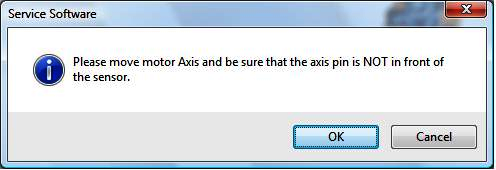
- Manually rotate the pump motor roller assembly approximately 1/4 rotation in either direction. The can be accomplished by manually pushing on the rollers with a 4 mm Allen wrench.
- Click OK in the dialog box.
A dialog box appears.
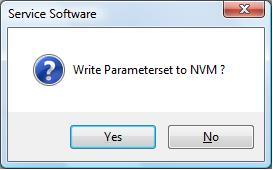
- Click Yes to write the parameter set to NVM.
- Reinstall the front housing top cover.
 button at the top of the page to send feedback, comments, or change requests.