Opening Pipettor Teacher Software
- Power on the Panther System.
- Log on to the Panther FSE Shield software.
- Click the Windows Explorer button.
- Copy the Coordinate.coo file from the C:\Panther\Software\PC\Data\ folder.
- Create a new folder and save the file to C:\Panther\Software\PC\Data\Archive
- Rename file to YYYYMMDD_Coordinate.coo, where YYYYMMDD is the current date.
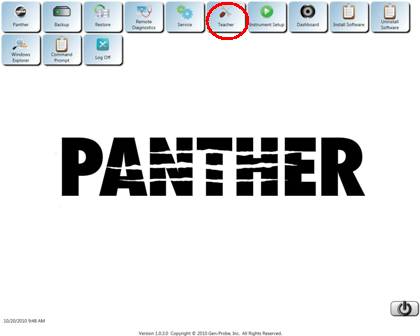
 Click the Teacher button on the Panther Shield software screen to launch the Teacher Program.
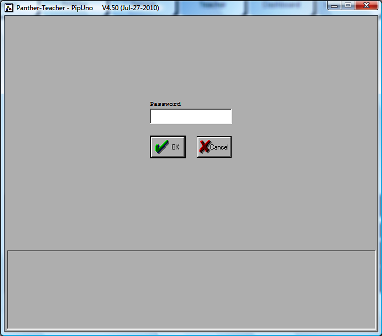
- Click OK.
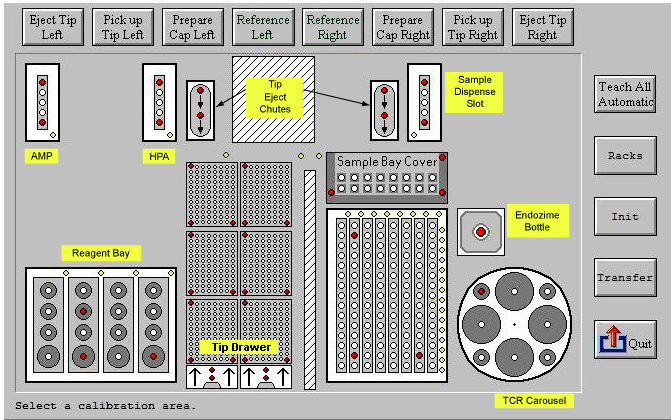
- The Teacher Menu appears.
 button at the top of the page to send feedback, comments, or change requests.