Preparing the System for Pipettor Teaching
- Power down the Panther System.
- Remove the Endozime bottle and Reagent bottles.
- Remove any tips from the Pipettors.
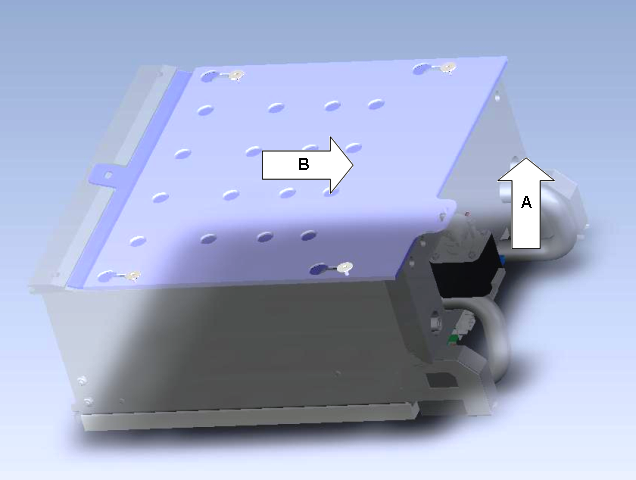
 Remove the Reagent Bay shutter (top cover).
Note—The Reagent Bay Module does not need to be removed—just the Reagent Bay cover. - Lift the tab off the actuator pin.
- Slide the shutter toward the rear of the system
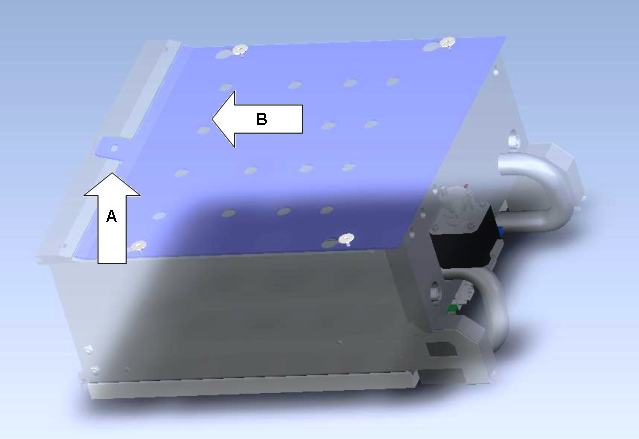
- Remove the bottom cover.
- Lift the tab in the front.
- Slide the bottom cover toward the back of the system.
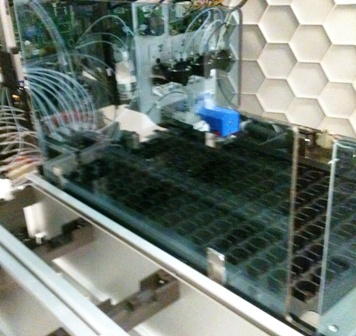
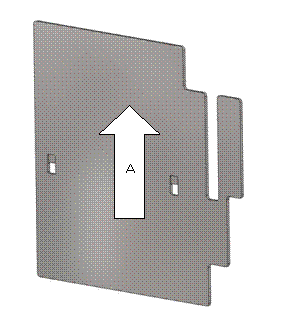
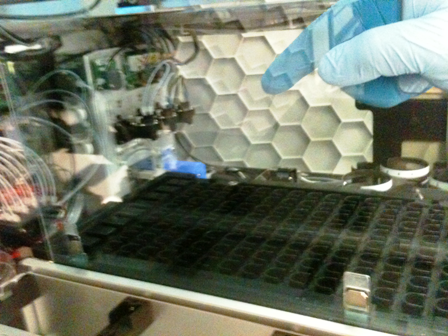
- Remove the partition wall.
- Continue to Opening Pipettor Teacher Software.
 button at the top of the page to send feedback, comments, or change requests.