Loading Customer Parameters
Parts and Materials Required
- Panther System PC
Time Required
- 5 minutes
Procedure
- Open Service Software.
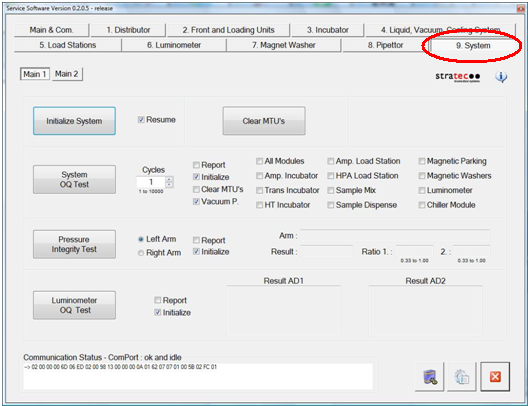
 Select the 9. System tab.
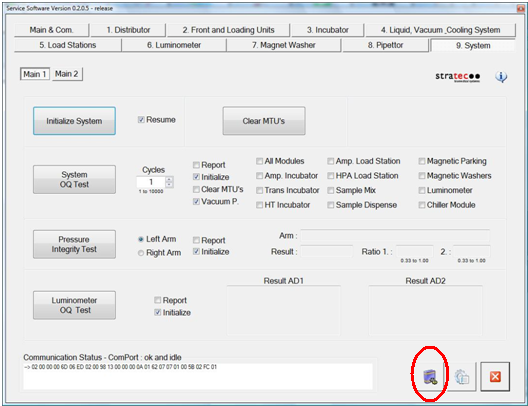
- Select the Setup Report Header Data icon located at the bottom of the screen.
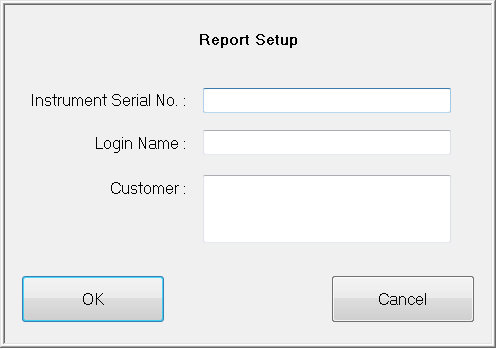
- Enter the Panther System Serial No. as 00XXX, where XXX is the system Serial Number located on the Panther System power switch.
- Enter the customer information in the remaining fields of the dialog box.
- Click OK.
- Close Service Software.
 button at the top of the page to send feedback, comments, or change requests.