Launching the Panther Dashboard Software
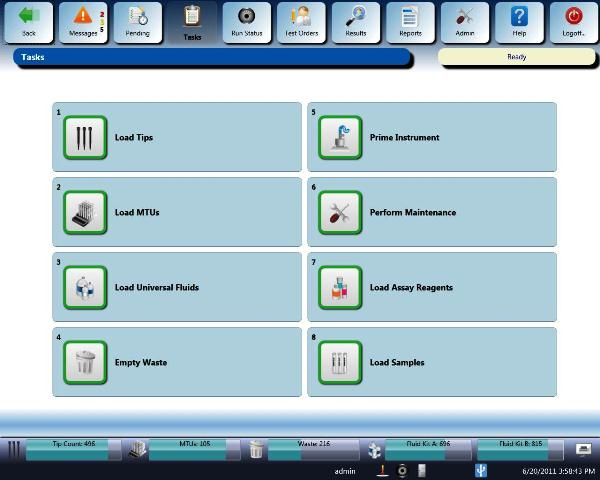
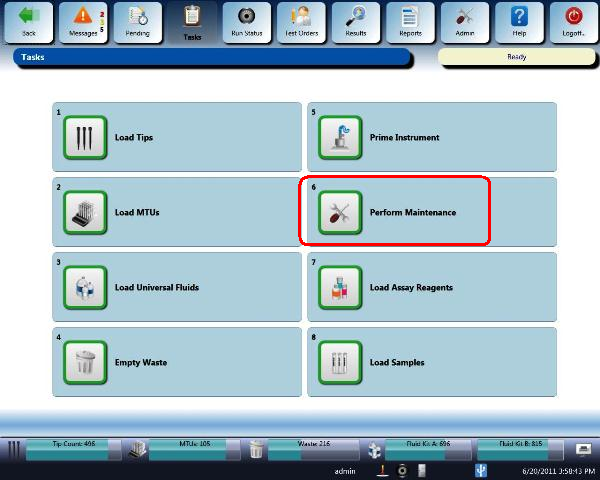
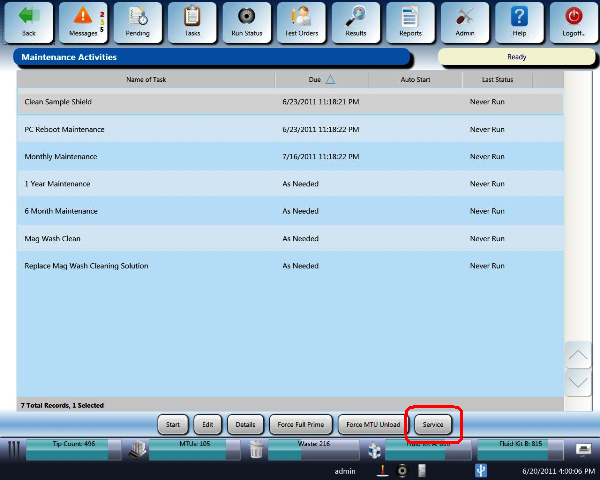
The Panther Dashboard Software is accessible through the Panther FSE Shield software and through the Panther System Software Maintenance screen.
Parts and Materials Required
- Panther System PC
Procedure
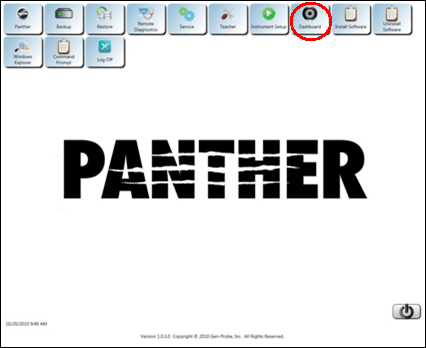
From the Panther FSE Shield Software
- Log in to the Panther FSE Shield software.
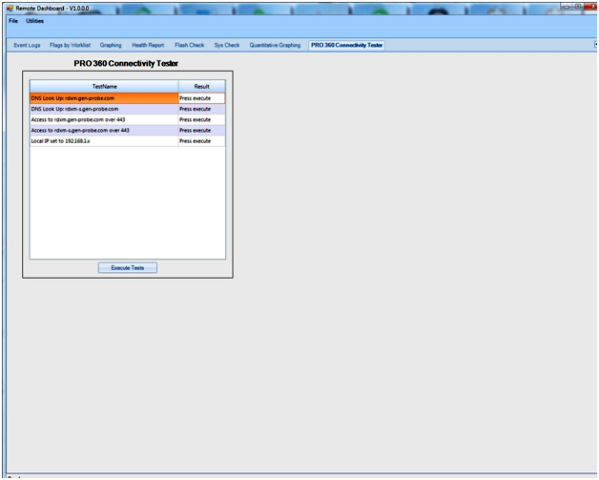
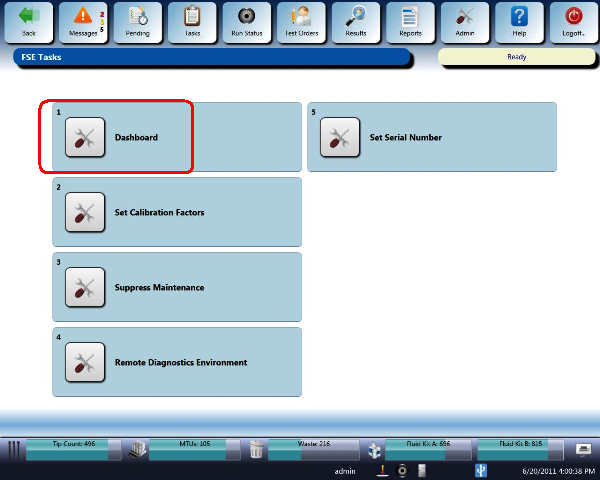
 Click the Dashboard icon.The Panther Dashboard software launches and the main page appears.
 button at the top of the page to send feedback, comments, or change requests.