Output Queue OLV Calibration Procedure
Programs
- Service Software
Time Required
- 20 minutes
Calibration Procedure

|
Note—The Output Queue process control sensor may be calibrated by performing the following procedure. Alternatively, the system will automatically calibrate the sensor when perform Full Prime Operation of pumping fluid through tubing to ensure proper and consistent fluid delivery (remove air from the tubing, etc.). through Panther System software. Operation of pumping fluid through tubing to ensure proper and consistent fluid delivery (remove air from the tubing, etc.). through Panther System software. |
- Start up Service Software.
- Prime the Output Queue injectors. Note, resetting the peristaltic pump after priming will cause the injectors to become unprimed.
Note—More than one Prime may be required to remove all air bubbles. - Navigate through Service Software and insert an MTUMulti-tube unit—Container used to process tests in the instrument. An MTU contains five separate reaction tubes. The MTU is moved through the instrument by the linear distributor and includes five tiplets for pipettiing to be used in the mag wash station. into the Output Queue.
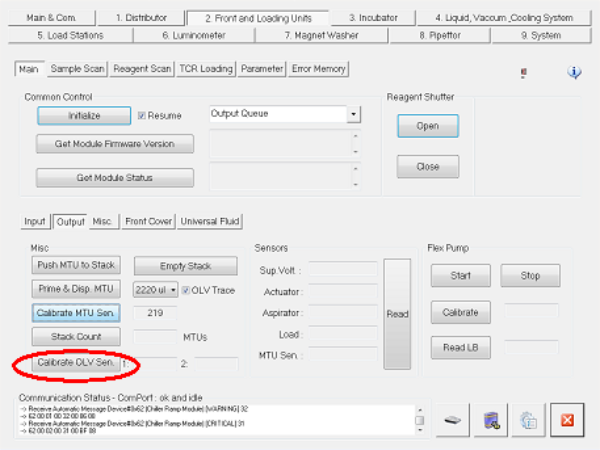
- Press Calibrate OLV Sen.
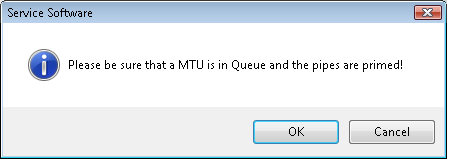
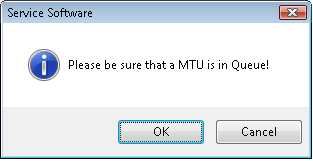
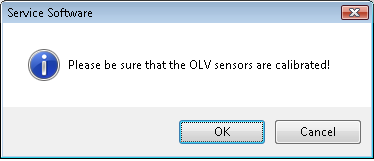
A Service Software message appears.
By this time, the Output Queue injectors will have been primed and an MTU will be inside the Output Queue.
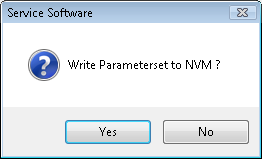
- Press OK.If the calibration is successful, the following message appears.
- Select Yes.
Verification
- Insert a new MTU into the Output Queue.
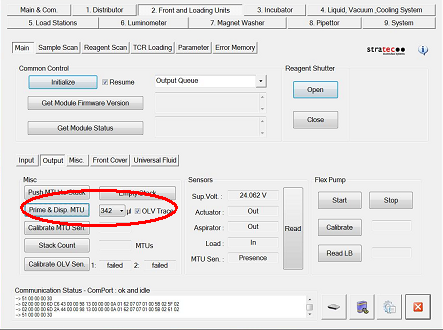
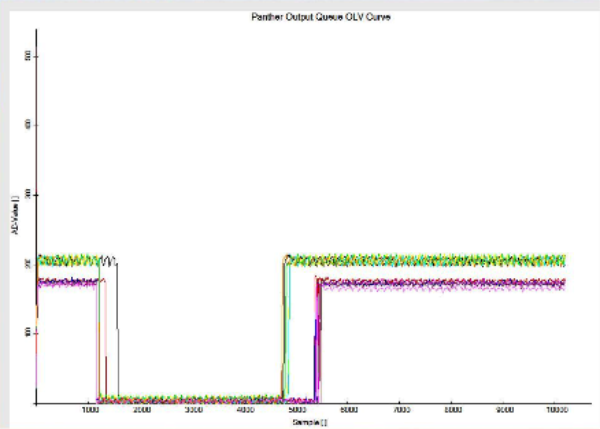
- Check OLV Trace, select 368 µl, and press Prime & Disp MTU.
- Press OK.
- Press OK.
 button at the top of the page to send feedback, comments, or change requests.