Remote Dashboard Syscheck Cal Factor Update

Parts and Materials Required

  • Panther Syscheck Kit

Time Required

  • 30 Minutes

Procedure

ClosedPart A - Cal Factor Update if using Remote Dashboard below v3.0.0.32

  1. Launch the Panther Remote Dashboard software.
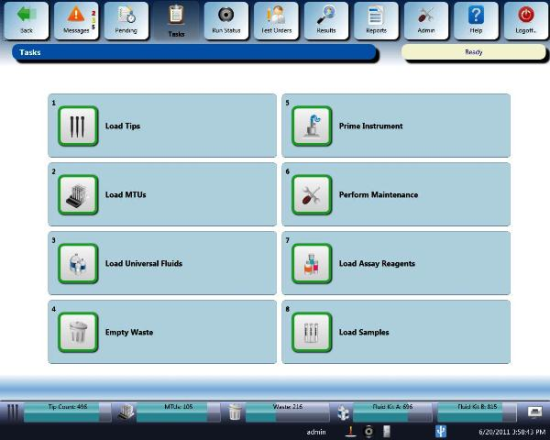
    1. ClosedNavigate to the Tasks screen.
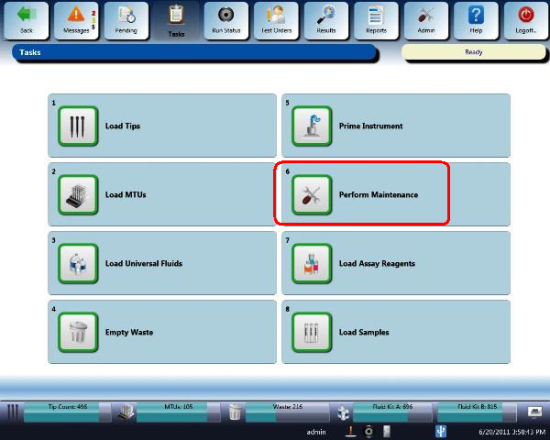
    1. ClosedClick the Perform Maintenance button.
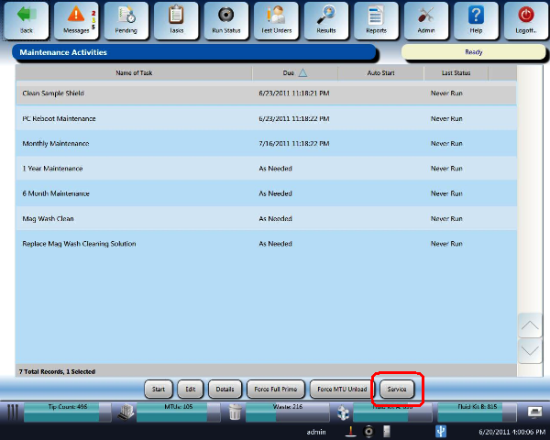
    1. ClosedClick the Service button.
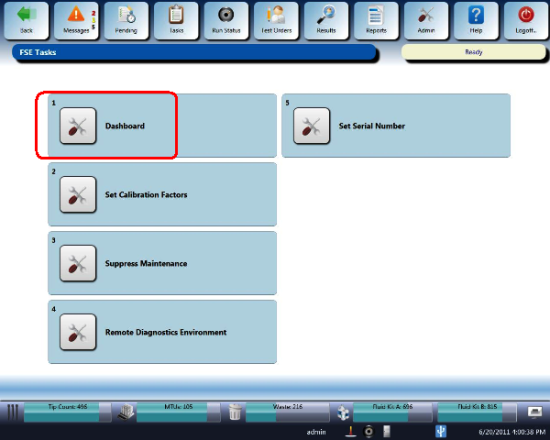
    1. ClosedClick the Dashboard button.
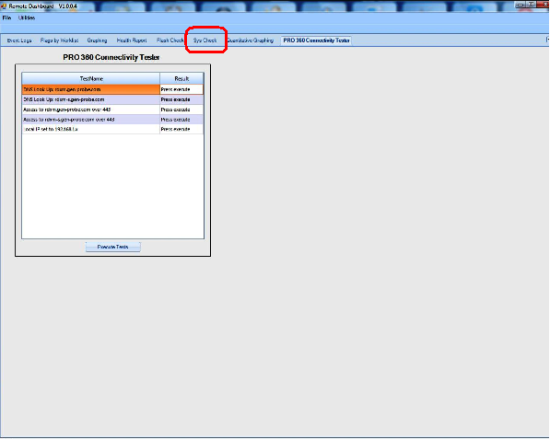
  2. ClosedClick the SysCheck tab.
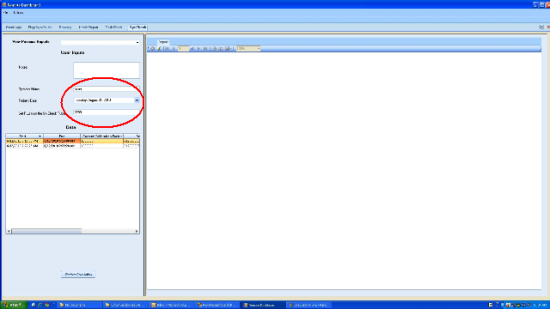
  3. Enter the Operator's name.
  4. ClosedEnter the Set RLUClosedRelative light unit value from the SysCheck Reagent tube.
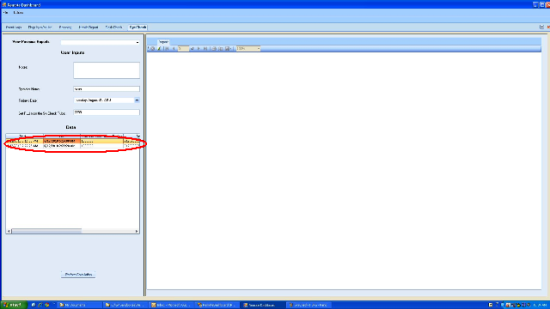
  5. ClosedSelect the data set to be analyzed.
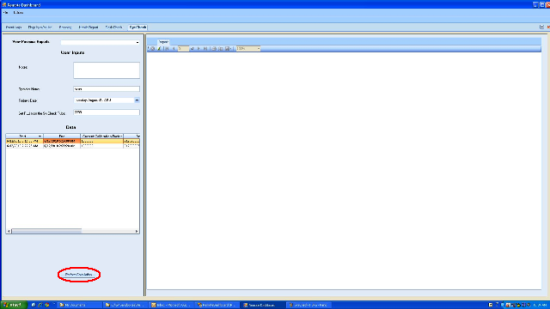
  6. ClosedClick Perform Calculation.
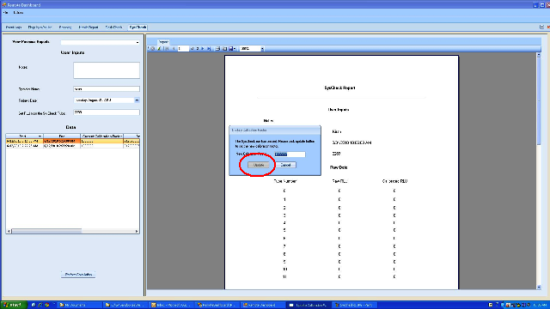
  7. ClosedA dialog box appears when the SysCheck Reagent run is completed, Click Update.
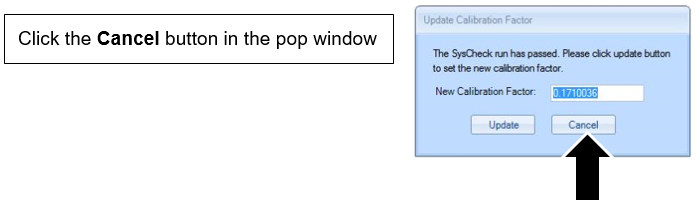
  8. A dialog box appears when the SysCheck Reagent run is completed.
    When the pop up appears requesting to update the Cal Factor appears, click cancel.

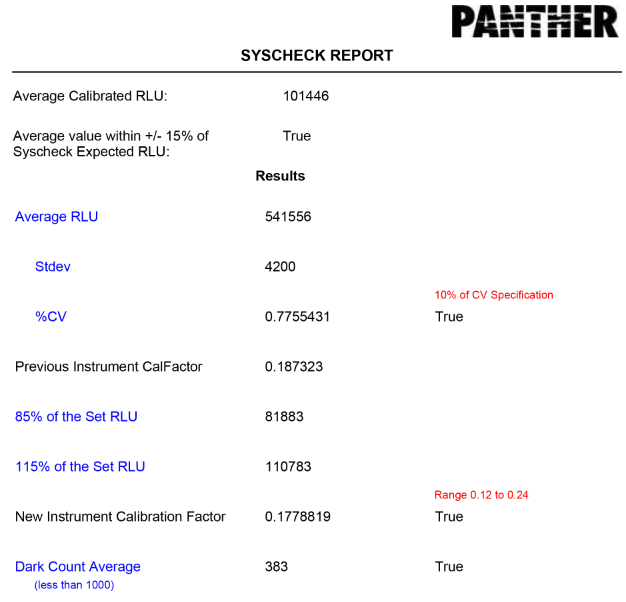
  9. Review the generated report.
    Note—Ensure ALL acceptance criteria are met in the report. (All 4 criteria points are "True").

  10. If all four criteria are met, then click Perform Calculation again and click the Update button that follows to update the Cal Factor. The SysCheck procedure is considered PASS if the calibration factor is between 0.12–0.24.
  11. If any of the criteria are not met, troubleshoot, resolve and repeat the Syscheck procedure.
  12. Save Syscheck record to .pdf and attach to applicable service record.

ClosedPart B - Cal Factor Update if using Remote Dashboard v3.0.0.32

  1. Complete the Syscheck procedure.
    Note—A pop-up will NOT appear requesting to update the Cal Factor.
  2. Review the generated report.

    Note—Ensure ALL acceptance criteria are met in the report.
    (All 4 criteria points are "True")

  3. If any of the criteria are not met, troubleshoot, resolve, and repeat the Syscheck procedure until ALL criteria are met.
  4. Update the Cal Factor in the Panther GUI. (Panther GUI> Tasks>Perform Maintenance>Service>Set Cal Factor)
  5. Ensure the Syscheck report is attached to the Service Record and note that the Remote Dashboard Syscheck Cal Factor Update has been completed in the SR Notes.