Incubator Slot Alignment

|
Note—Perform this procedure when:
|
Calculate Slot 1 Alignment
 Initialize the desired Incubator and insert an MTU into Slot 1. (Wait for the incubator to come up to temperature.
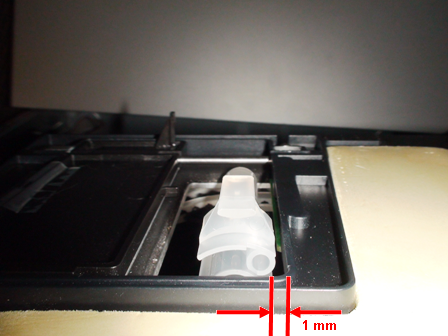
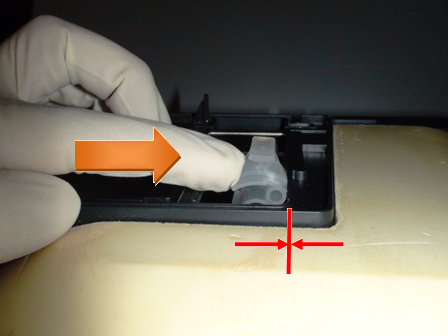
- With 4/5 of the MTU inserted, ≈ 1 mm of space should exist between the MTU and the Incubator door frame.
- Additionally, gently press on the left side of the MTU and verify that the MTU barely makes contact with the door frame.
Teach Slot 1
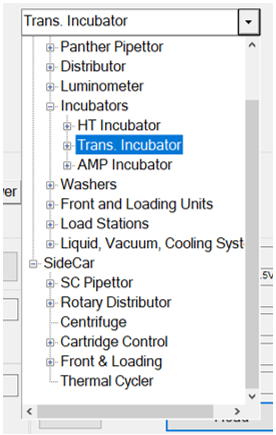
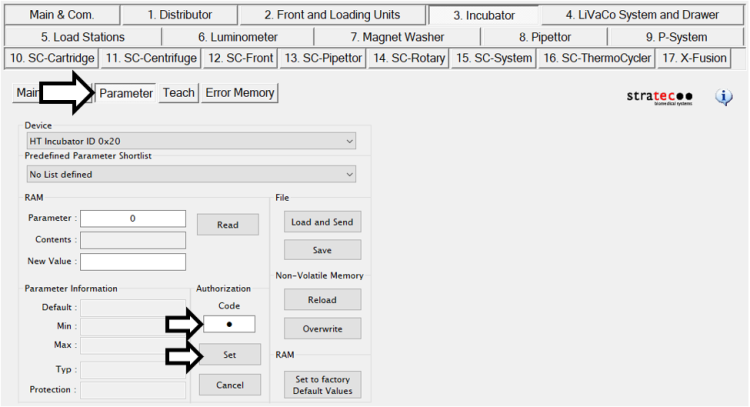
- In the Parameter tab, select the Incubator, enter the proper Code, and press Set to enable parameter/teaching adjustment.
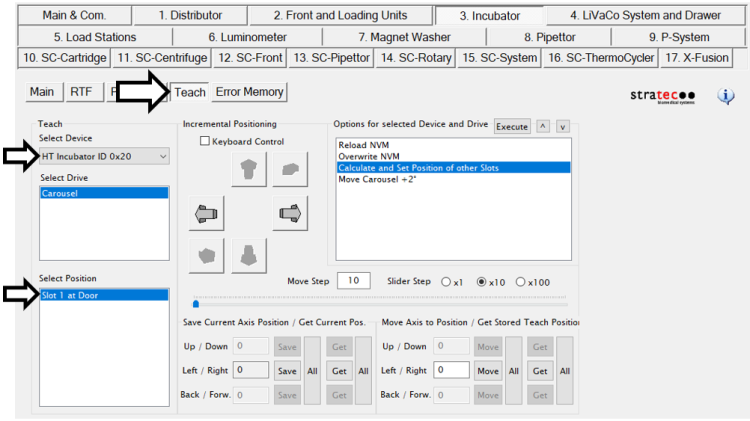
- In the Teach tab, select the appropriate device and verify the Incubator is at the Slot 1 position.
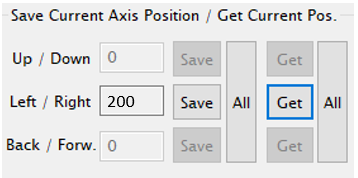
- Press Get All to refresh the Left/Right value. It should output a value between 175–225.
- Determine the direction in which to move the slot position.
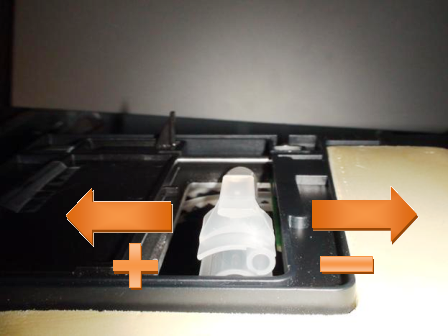
- Increase/decrease (by 1–10 steps) using the arrow buttons to achieve the proper MTU/door clearance as described earlier. The left arrow increases the value, but rotates the carousel clockwise; the right arrow decreases the value, but rotates the carousel counterclockwise.
Note—You must close the Incubator door before moving the carousel to avoid causing an Incubator Door Open error. - Repeat adjustments to the carousel to achieve the proper clearances stated above.
Storing the New Teach Position
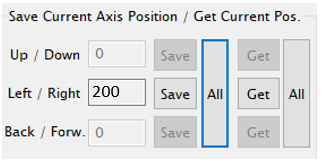
- Once the MTU/door clearance has been verified, press Get All and then Save All to store the new position.
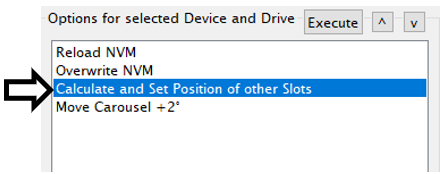
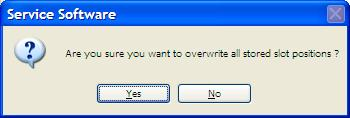
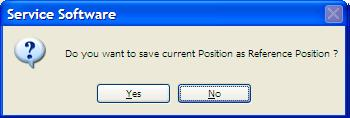
- Double-click Calculate and Set Position of other Slots to calculate and set the positions of the other Incubator slots (i.e., Slots 2–17).
- Press Yes at both prompts.
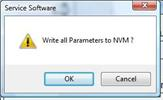
- Double-click Overwrite NVM followed by OK to store the position to the non-volatile memory (NVM).
Distributor Auto-Teach
- With the new Slot 1 position, perform the auto-teach procedure at the specified Incubator to complete the alignment procedure.

WARNING—The Distributor auto-teach procedure must be performed for the Incubator in order to properly sync the Incubator Slot 1 with the Distributor. - If this procedure was completed on an Amplification Incubator with RTFs, perform the RTF Alignment procedure.
- Perform an Operational Qualification procedure.
 button at the top of the page to send feedback, comments, or change requests.