MTU Expansion Unboxing
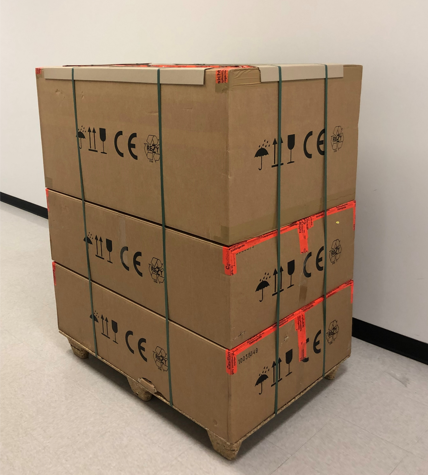
 Locate the MTUMulti-tube unit—Container used to process tests in the instrument. An MTU contains five separate reaction tubes. The MTU is moved through the instrument by the linear distributor and includes five tiplets for pipettiing to be used in the mag wash station. Expansion pallet.
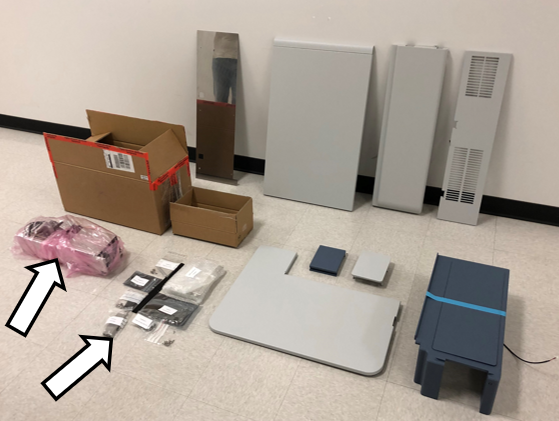
- Cut the restraining straps and set the largest box aside.
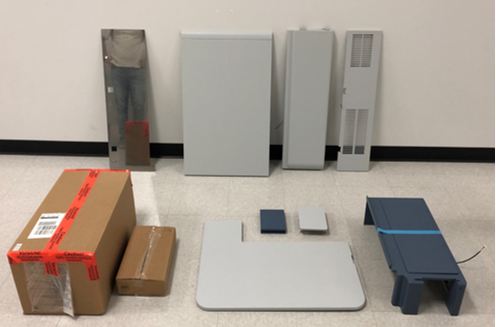
- Open the AssayProcedures required to prepare and perform a specific test. In the context of this document, assay refers exclusively to a Hologic test, such as Aptima Combo or Ultrio. MTU Sidecar Cover box.
- Remove all contents and set aside for installation.

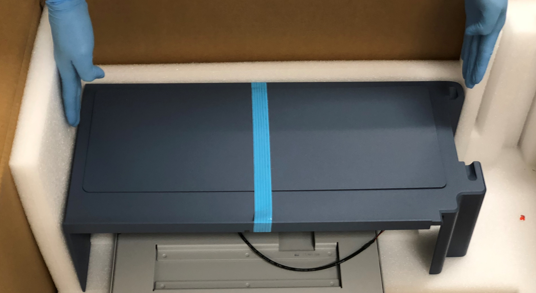
Caution—Use caution when lifting the blue top cover.
Use two hands and lift straight up. - Unbox the two smaller boxes containing the MTU Queue and miscellaneous hardware.

Note—
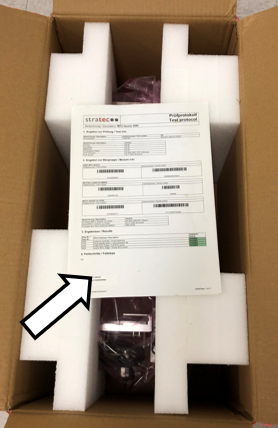
Set aside the Stratec Test Protocol sheet and keep for records.
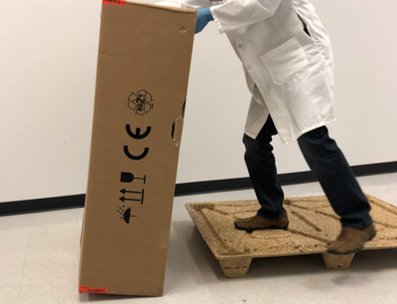
- Open the bottom box on the palette. This should contain the MTU Sidecar.
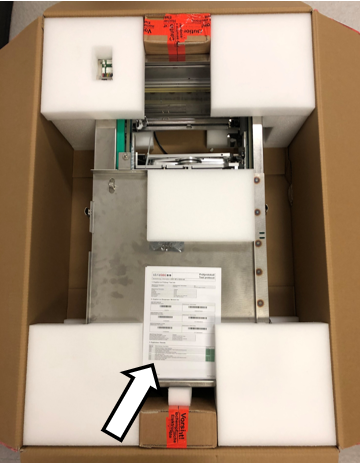
- Set aside the Stratec Test Protocol sheet and keep for records.
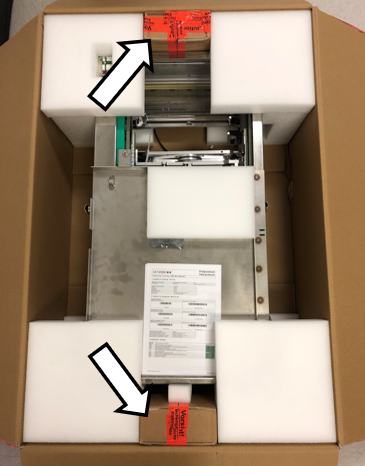
- Remove the two smaller boxes containing the MTU Carriers.
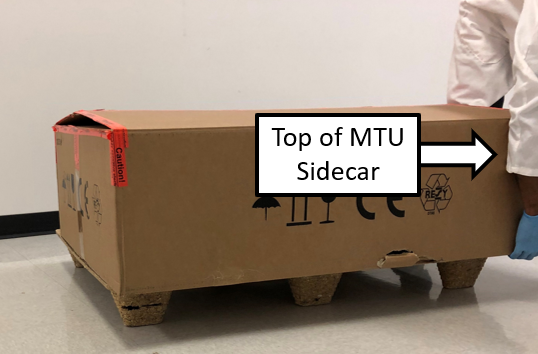
- Locate the bottom of the MTU Sidecar.
- Unbox the MTU Sidecar.
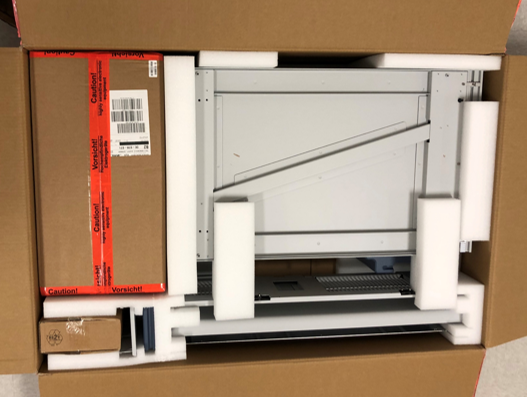
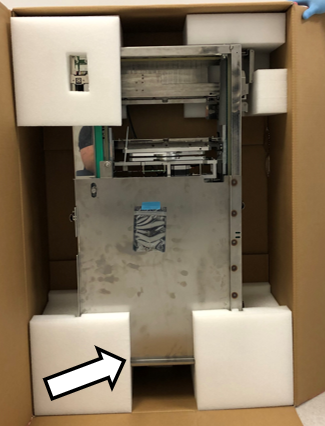
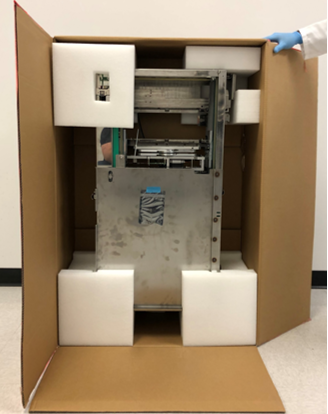
- Open the box to expose the MTU Sidecar.
- Remove the top layer of foam surrounding the MTU Sidecar.
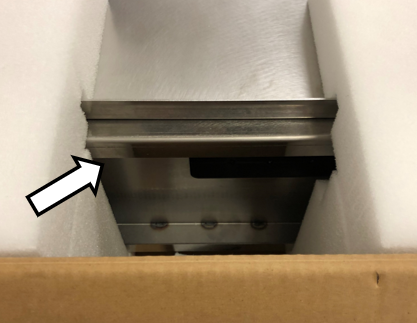
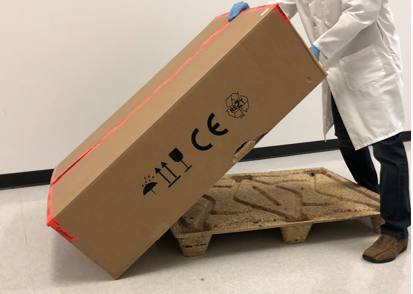
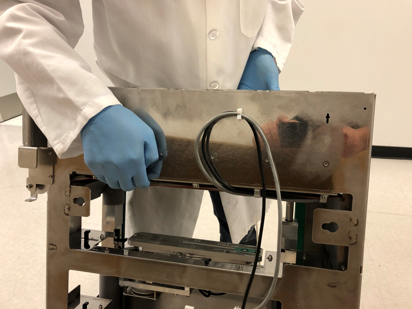
- Tilt the top of the MTU Sidecar out of the box and lift from the locations shown below to remove it from the box.
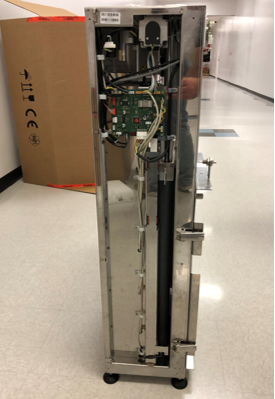
- Place the MTU Sidecar on the floor and inspect that there is no damage from shipping.
- Move the MTU Sidecar and additional parts via a lab supplied cart to a workspace near the Panther to be upgraded.
- Proceed to Preparing the Panther
 button at the top of the page to send feedback, comments, or change requests.