Pipettor Pressure Integrity Test
Time Required
- 15 Minutes
Procedure
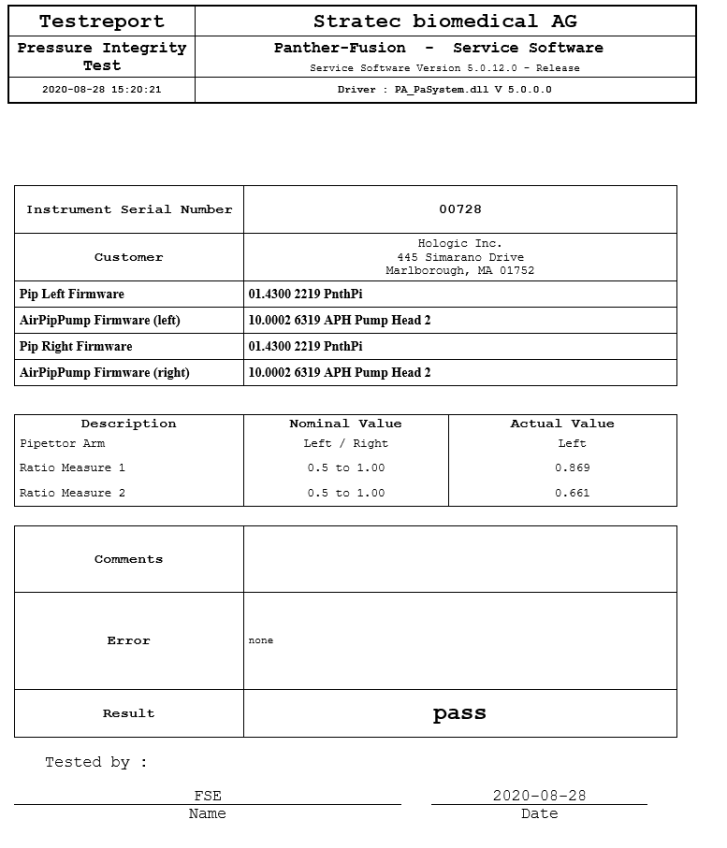
Any test result equal to 0.33 or above is a successful test result for the Pressure Integrity Test.
Screenshots are for reference only. Your screen may vary.
- Start up Service Software.
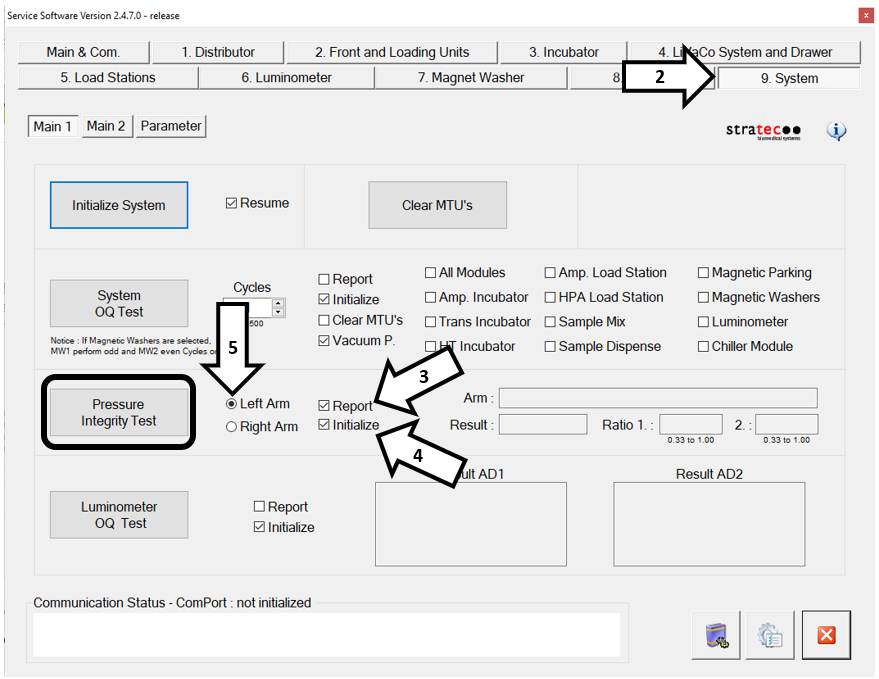
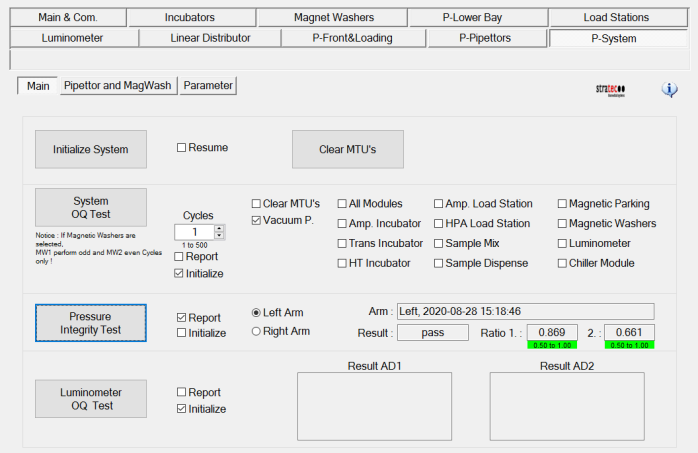
 Navigate to the System tab.
- In the Pressure Integrity Test section, select the Report checkbox. This instructs the system to generate a report of the results.
- In the Pressure Integrity Test section, check Initialize. This initializes all modules.
- Check the box next to Left Arm.
- Click Pressure Integrity Test.
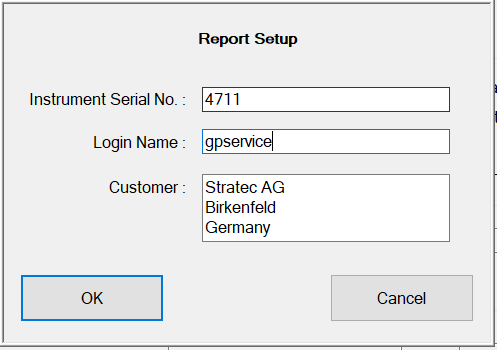
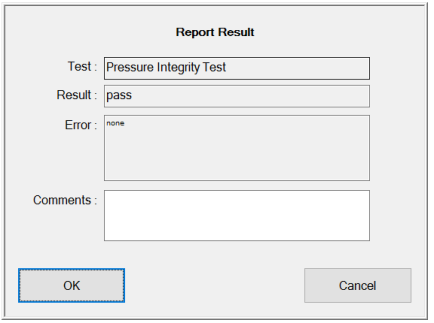
- Enter your name for the login name and click OK.
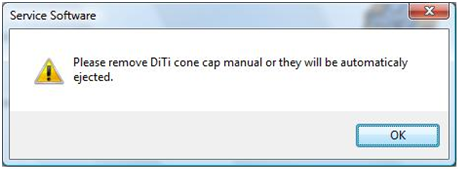
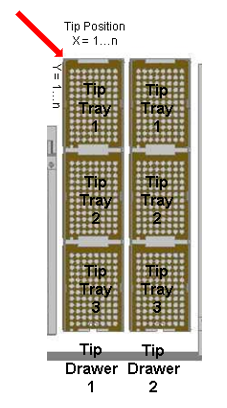
- Insert a DiTi cone cap into Position 1, Tip Tray 1, Tip Drawer 1
- Click OK.
- Different versions of Service Software will display different ranges for the Pressure Integrity Test Ratios.
Remember:
Any test result greater than 0.33 is a successful test result for the Pressure Integrity Test. See Sample Test Results below for reference. - Repeat Steps 3–10 for the right pipettor arm.
- If this is an installation, continue to System Level Operational Qualification (OQ).

 button at the top of the page to send feedback, comments, or change requests.