Connecting the Configured Firewall to the Panther System
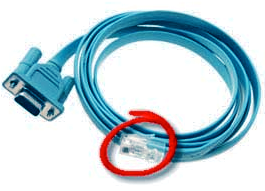
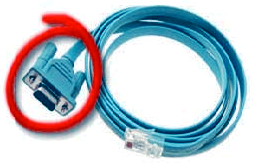
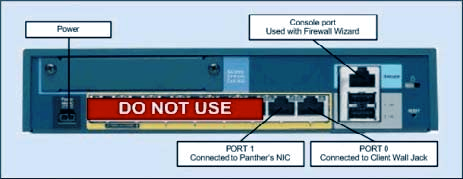
Unplug the Serial Cable RJ45 connector from the Console port on the back of the Firewall.
- If the Firewall is not already in its operational location near the Panther System, plug the AC
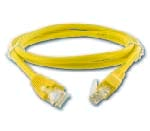
- Connect the Firewall to the customer network.
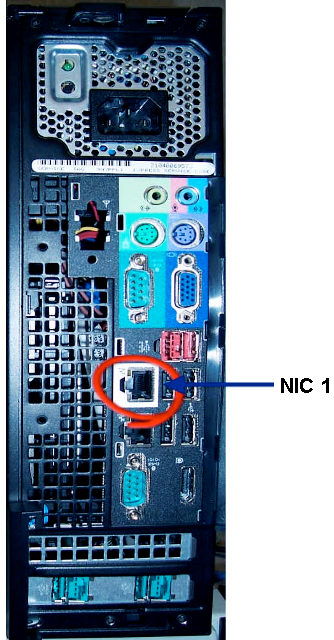
- Connect the Firewall to the Panther System.
- Verify proper installation by ensuring that the green LEDs are flashing for both Firewall network connections and the Panther System PC NIC 1 Port connection.
 button at the top of the page to send feedback, comments, or change requests.