Enabling the PRO360° Remote Diagnostics on the Panther System
Parts and Materials Required
- Panther System PC Workstation
Time Required
- 10 minutes
Procedure
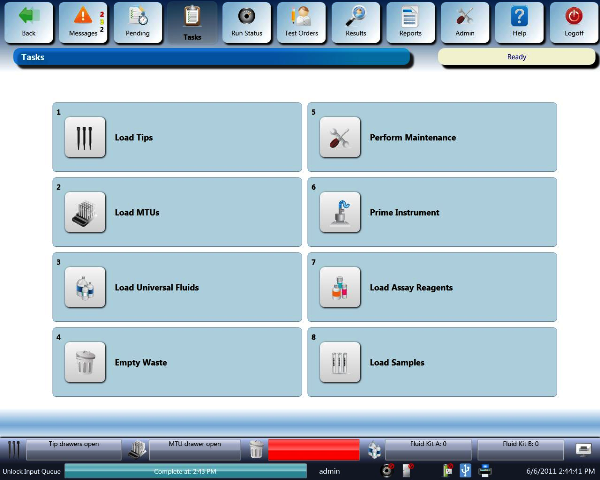
 Launch the Panther System main assay software and log in as an Admin User.
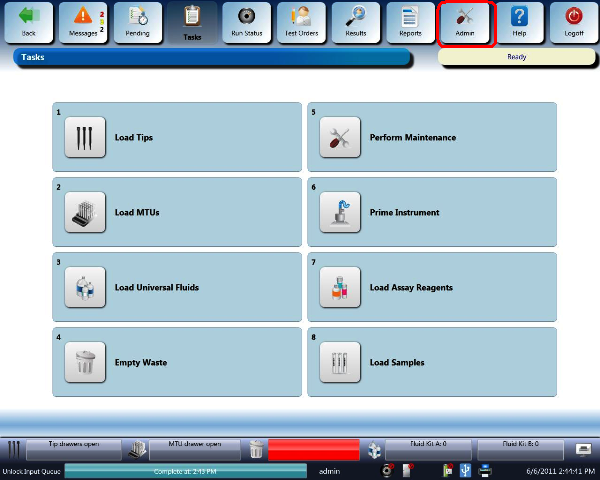
- Press the Admin button.
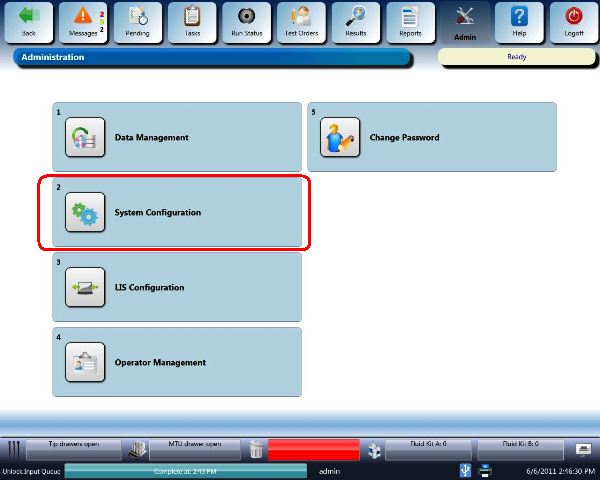
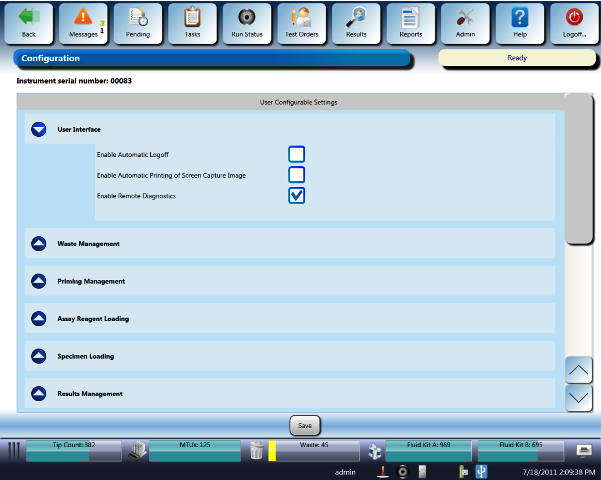
- Select the System Configuration button.
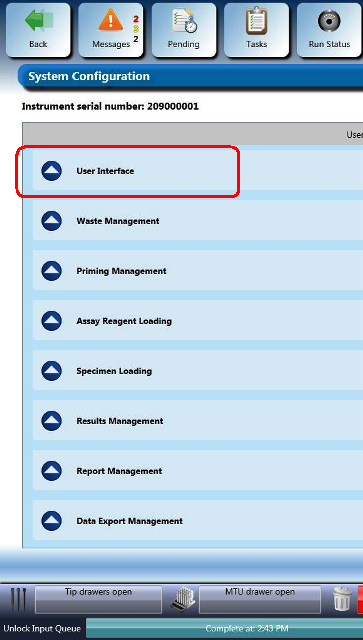
- Select the User Interface drop-down menu.
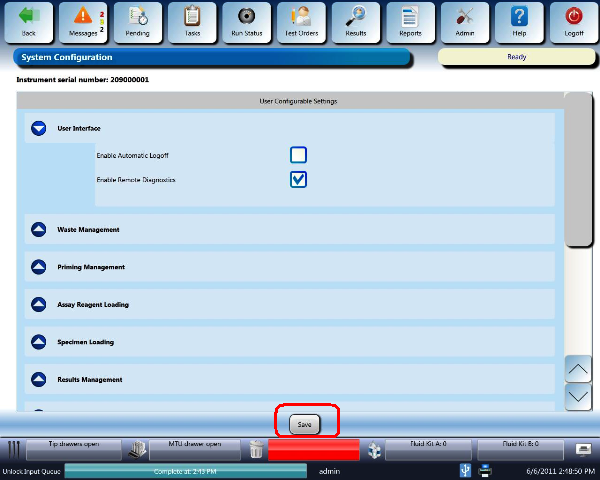
- Check Enable Remote Diagnostics.
- Select the Save button at the bottom of the screen.

|
Note—NEVER perform electromechanical operations while connected remotely to the Panther Instrument. |
 button at the top of the page to send feedback, comments, or change requests.