Skip To Main Content
placeholder
Filter:
All Files
Submit Search
You are here:
Disabling the PRO360° Remote Diagnostics on the Panther System
Parts and Materials Required
Panther PC Workstation
Time Required
10 minutes
Procedure
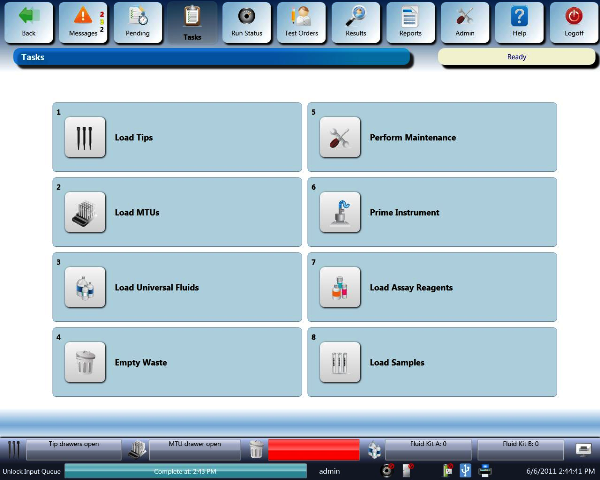
Launch the Panther System main assay software and log in as an
Admin User
.
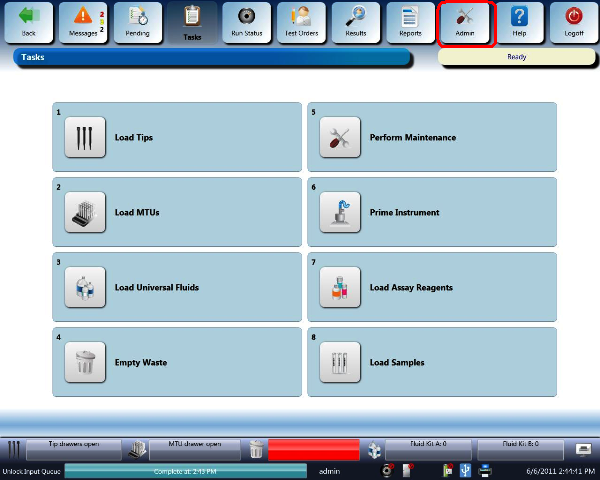
Select the
Admin
button
.
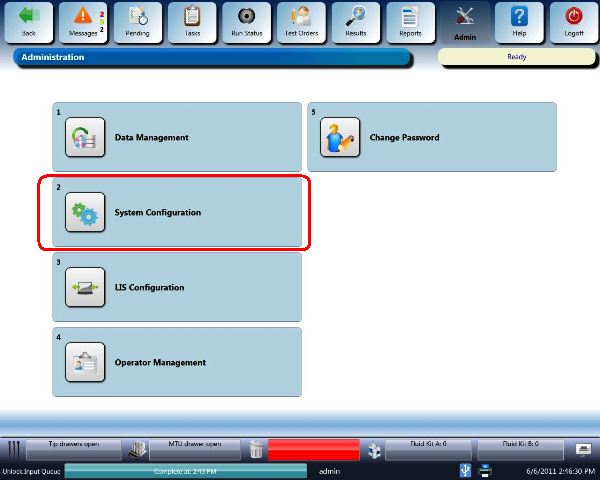
Select the
System Configuration
button
.
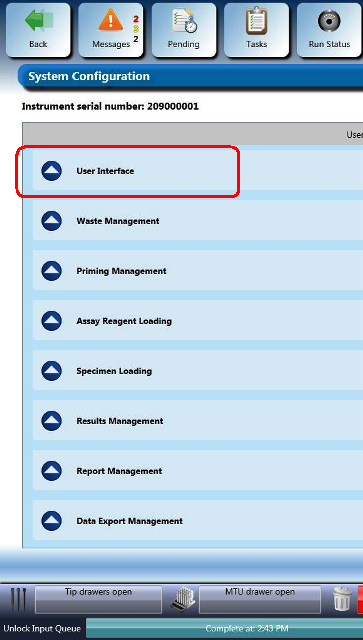
Select the
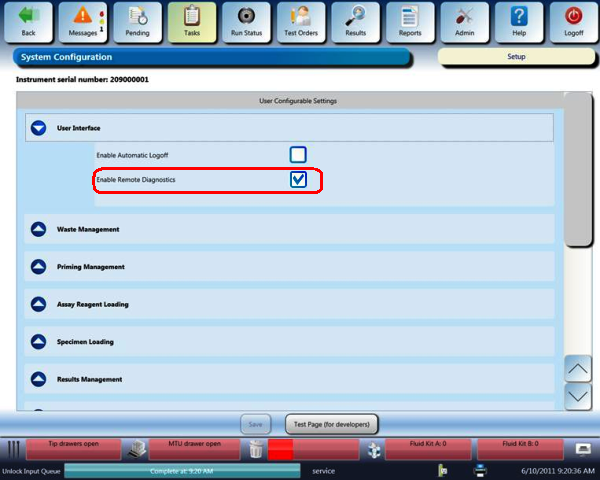
User Interface
drop-down menu
.
Clear the
Enable Remote Diagnostics
check box
.
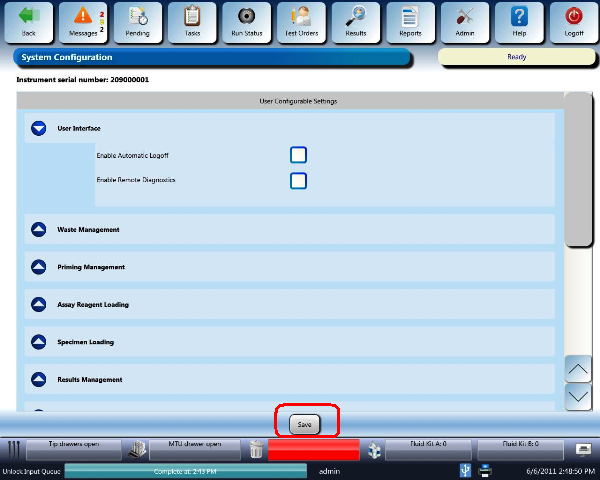
Select the
Save
button at the bottom of the screen
.
Click the
button at the top of the page to send feedback, comments, or change requests.

 button at the top of the page to send feedback, comments, or change requests.