Vacuum Manifold Pressure Sensor Port Cleaning

|
Note—This procedure applies to the Vacuum Manifold Pressure Sensor Port. |
Parts and Materials Required
- Proper PPE
- Bench Pad
- Small probe (2 mm hex wrench)
- Endozime
- Dropper or syringe
Time Required
- 15 minutes
Procedure
- Put on proper PPE.
- Power on the Panther System.
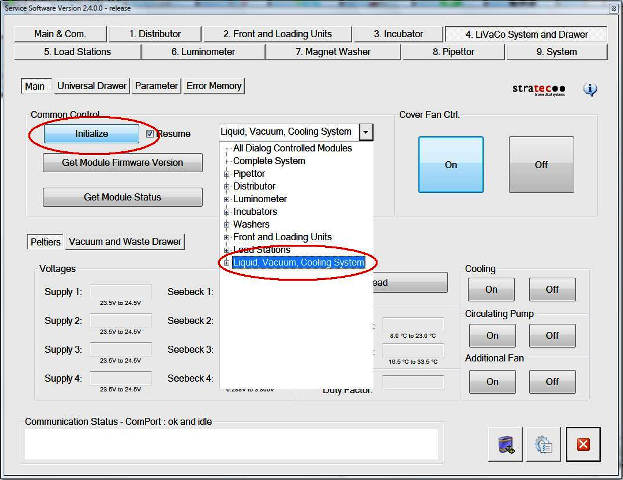
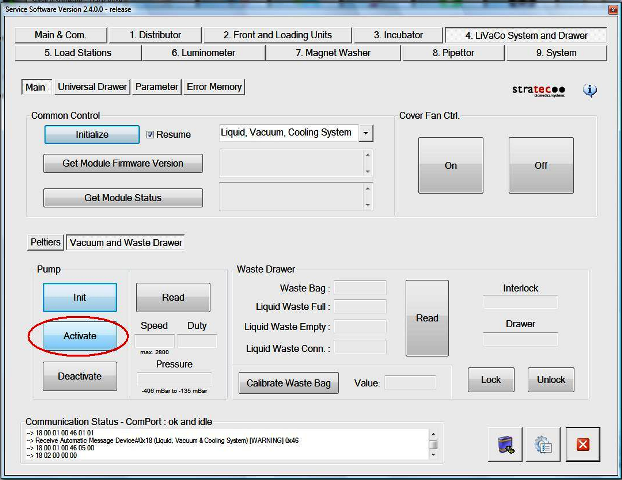
 In Service Software, initialize the vacuum pump, but leave it off for the moment.
- Open the right side front cover and/or the side panel to access the Vacuum Manifold.
- Cover the upper deck with a bench pad to reduce the possibility of contamination.
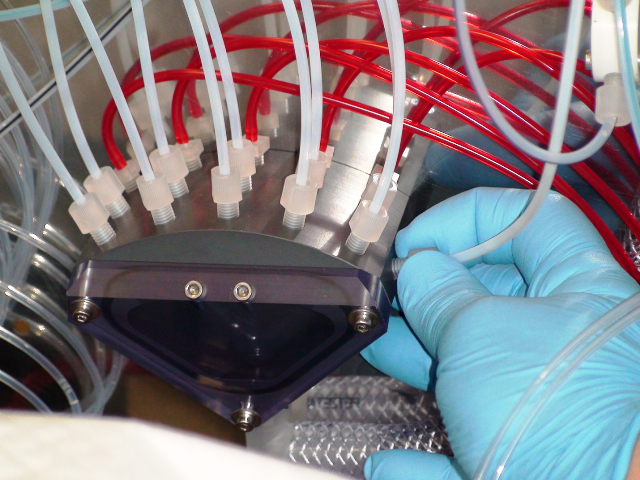
- Remove the tubing between the Vacuum Manifold and the Vacuum Pressure Sensor.
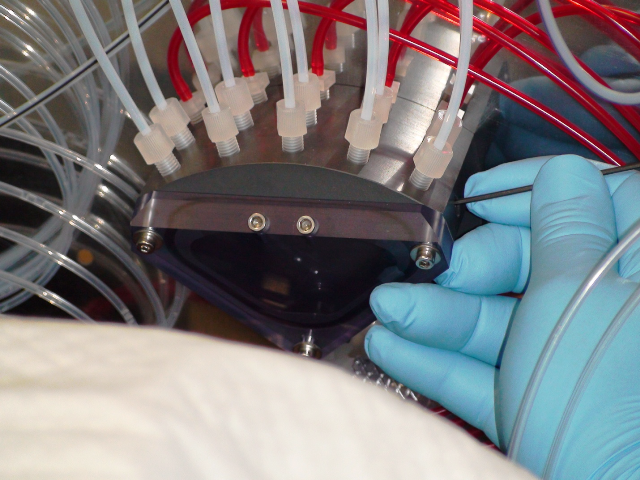
- Using a small probe (a 2 mm Allen wrench works well), clean out any material that has built up in the small hole in the Vacuum Manifold.
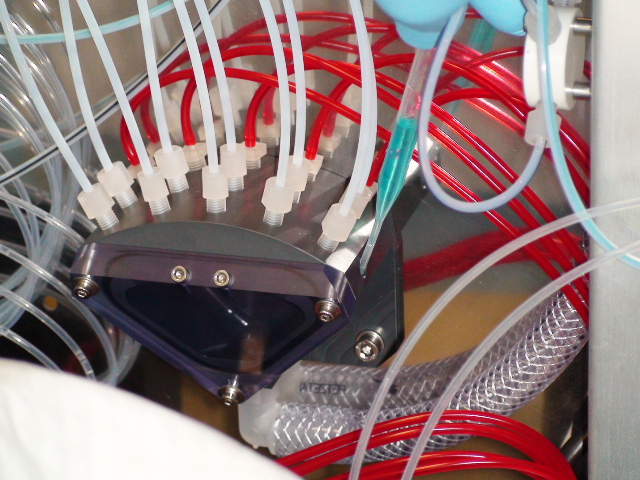
- Use a syringe, dropper, or other suitable tool to place a few drops of Endozime into the hole. Allow the Endozime to sit for a few minutes to loosen any material that may be left.
- Using Service Software, start the Vacuum Pump. You should hear the hiss of air through the Vacuum Sender Port. If you do not hear the vacuum leaking, the port may not be clear—repeat steps 6 and 7 to clear the port.
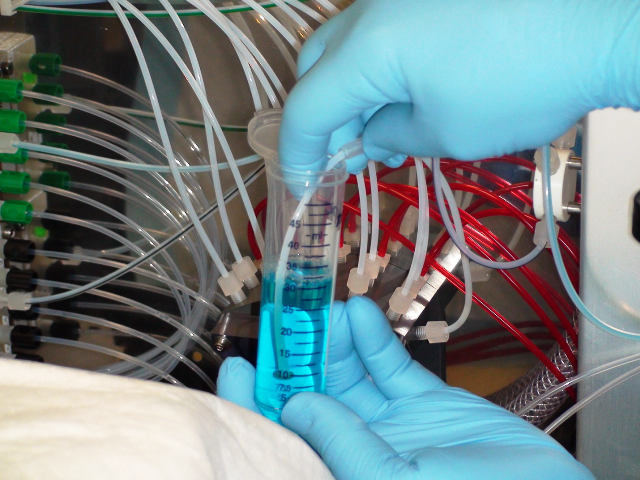
- Re-attach the small piece of tubing to the Vacuum Manifold and aspirate a few mL of Endozime through it into the Vacuum Manifold.
- Re-attach the other end of the tubing to the Vacuum Pressure Sensor.
- Verify that the fittings are tight and not leaking.
- Using Service Software, check for proper vacuum.
- Remove any tools or pads inside the system. Shut any doors or panels that are open.
Note—Be sure to remove the bench pad from inside the system. - Close Service Software.
- Start the Panther System to be sure the system starts without vacuum errors.
Alignment/Calibration
- Check to be sure the vacuum pressure is within the acceptable range.
Verification
- Start the GUI and check to be sure the system initializes without "Vacuum Out of Range" errors.
 button at the top of the page to send feedback, comments, or change requests.