Installing the HP Officejet 8000 Printer
Time Required
- 20 minutes
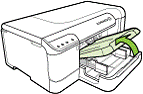
 Printer Components
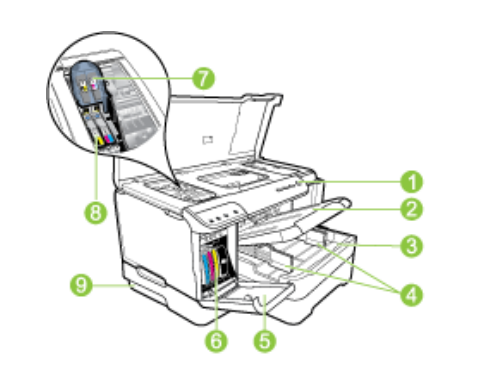
Installation Procedure
- Unpack the printer.
- Remove the protective tape and packing materials.
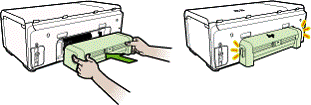
- Install the HP automatic two-sided printing accessory (duplexor).
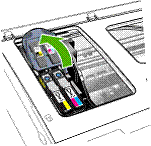
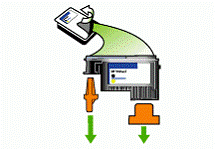
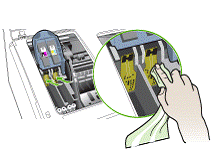
- Install the print heads.
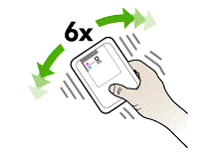
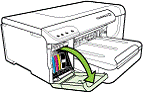
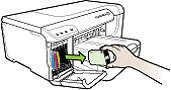
- Install the ink cartridges.
- Load paper.
- Plug the HP Officejet 8000 printer into the PDU or UPS with the power cord provided for installation.
- Connect the HP Officejet 8000 printer to the PC with a USB connector cable.
- Turn the printer on.
- Click Print a test page to verify that the printer is operating properly.

Note—Initial warming up of the printer may take up to 20 minutes.
 button at the top of the page to send feedback, comments, or change requests.