Installing the HP Officejet 6000 Printer
Time Required
- 20 minutes
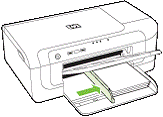
 Printer Components
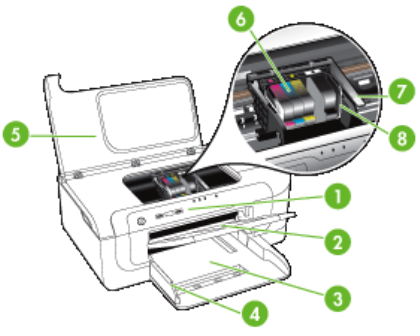
Installation Procedure
- Unpack the printer.
- Remove the protective tape and packing materials.
- Install the provided printhead.
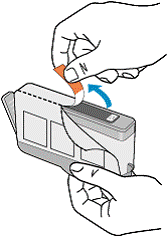
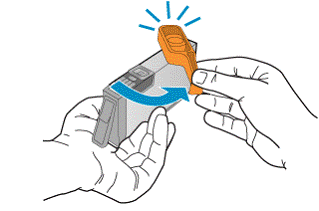
- Install the provided ink cartridges.
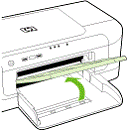
- Load paper.
- Plug the HP Officejet 6000 printer into the PDU or UPS with the power cord provided for installation.
- Connect the HP Officejet 6000 printer to the PC with the USB connector cable provided with the printer.
- Turn the printer on.

Note—Initial warming up of the printer may take up to 20 minutes. - Click Print a test page to verify that the printer is operating properly.
 button at the top of the page to send feedback, comments, or change requests.