Pipettor Teach Reference

|
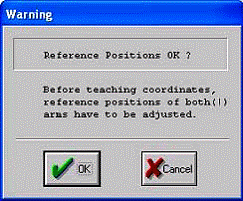
 Warning—If the Reference Point is not checked, the following message appears to warn the user that the teaching of the reference positions for both arms have to be adjusted. Warning—If the Reference Point is not checked, the following message appears to warn the user that the teaching of the reference positions for both arms have to be adjusted.
|
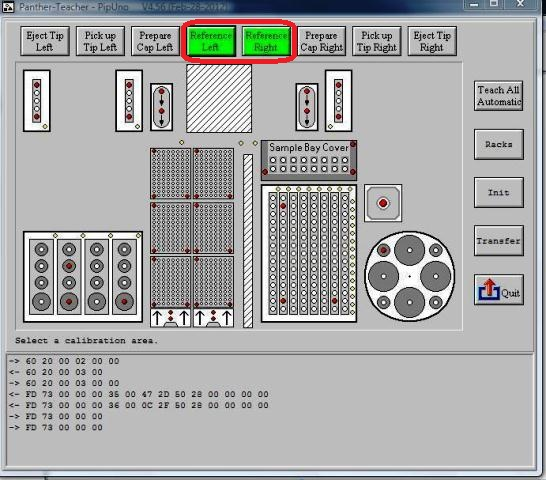
- To teach a Pipettor arm, select either green button labeled Reference Left or Reference Right.
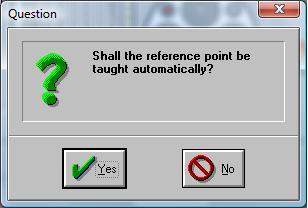
- Press Yes.
The auto-teaching is complete when the Pipettor arm returns to its home position.
- Repeat the procedure with the other Pipettor arm if necessary, or continue to the next teach position.

Note—If the Pipettor cannot find the reference, perform a manual teaching procedure.
 button at the top of the page to send feedback, comments, or change requests.