Preparation of DiTi-Teach Caps
- Lift the front cover flaps to access the Pipettors.
-
Remove the Reagent Bay Covers.
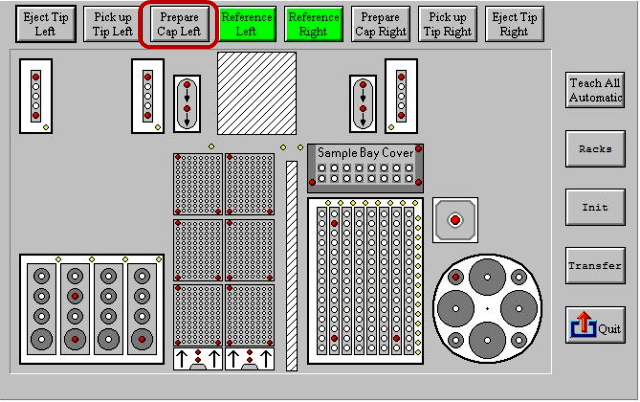
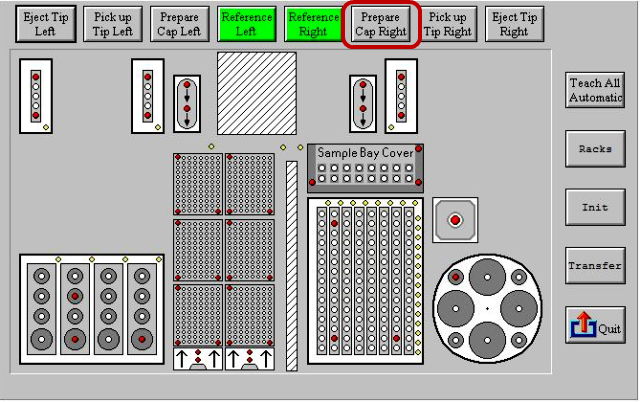
Once the Left Teach cap is on, the Reagent Pipettor's set position makes the Reagent Bay cover removal more difficult.  Select Prepare Cap Left.

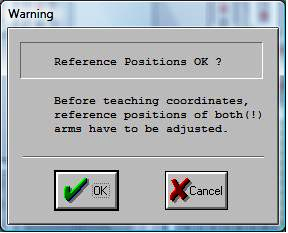
Note—The warning message is for systems that have never been taught at the factory or when a new Coordinate.coo was copied into the Data folder. - Select OK
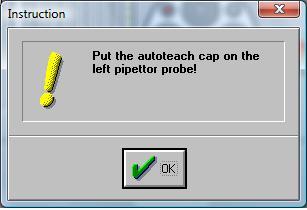
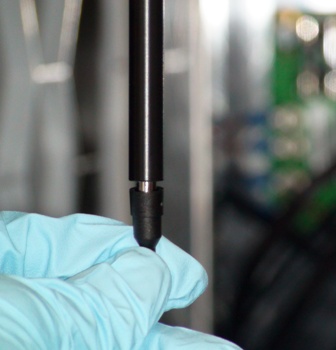
- Install the teach cap on the tip of the Reagent Pipettor arm.
Note—Do not force the teach cap onto the tip. The pipettor will properly seat the teach cap by pushing it against the reference position. - Select OK.
- Do the same for the Sample Arm by selecting Prepare Cap Right.
- Select OK.
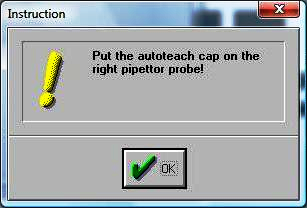
- Install the teach cap on the tip of the Sample Pipettor arm by following the prompts that appear.
- Select OK after completing each step.
 button at the top of the page to send feedback, comments, or change requests.