Enable Open Access for Fusion
Purpose
Instructions to enable Open Access functionality in Panther Main.
Parts and Materials Required
Time Required
- 10 minutes
Procedure
- Put on proper PPE.
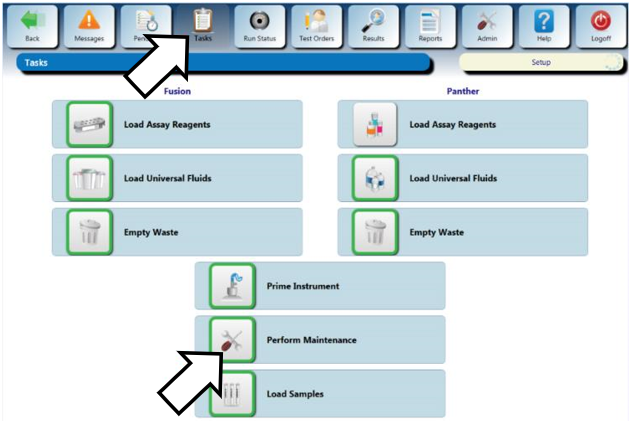
 From the Panther Main menu, select Tasks > Perform Maintenance.
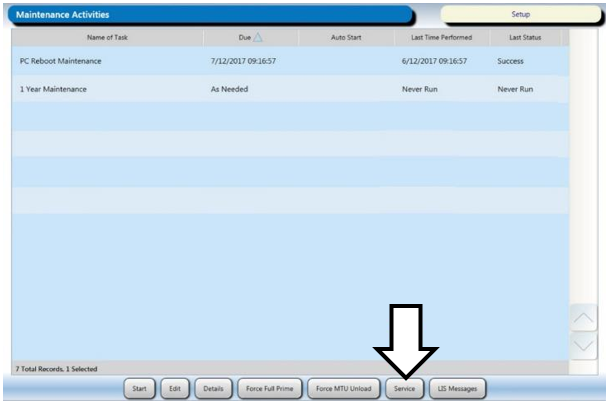
- Select the Service button.
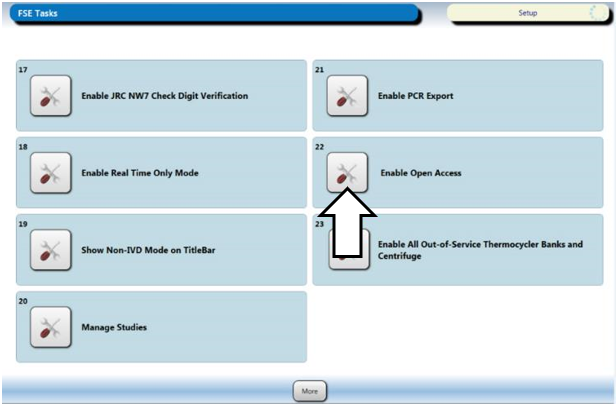
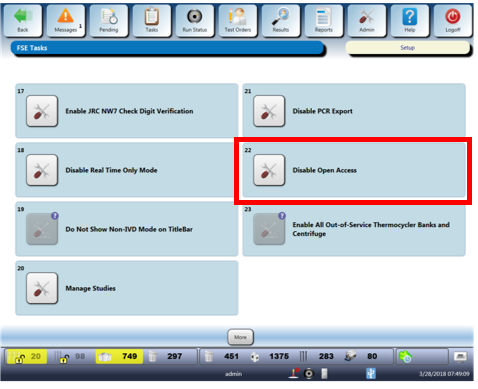
- Select the More button twice, then select the Enable Open Access option.
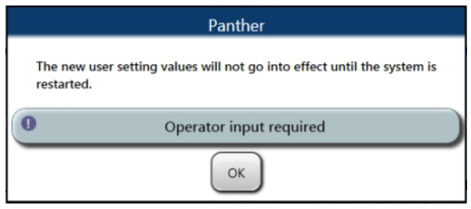
- In the Panther popup window, select OK.
- Restart Panther Main.
- Proceed to Verification.
Verification
- Verify the Service option reads “Disable Open Access.
- Verification is complete.
 button at the top of the page to send feedback, comments, or change requests.