Defragmentation Procedure on Windows Vista
Parts and Materials Required
- None
Time Required
- 45 minutes
Procedure
- Upon PC boot-up, touch the screen or press any key.
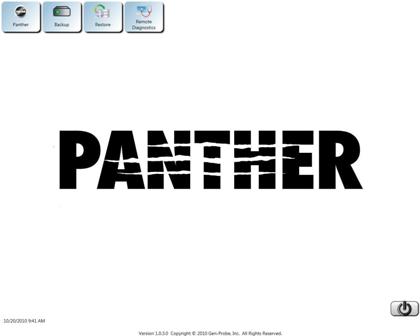
 The Panther Shield software screen appears.
Note—If no key is pressed or the touch screen is not touched the Panther System main assay software launches - Press Shift + F10.
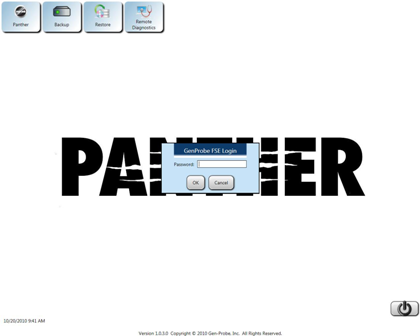
- Enter the following password:
!G9x53rvic3y
Where x = the last digit of the current day and y = the last digit of the current month.
- Select OK.
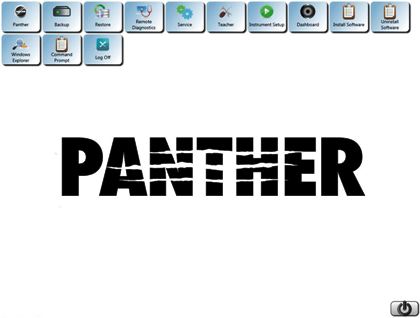
- Select Windows Explorer button.
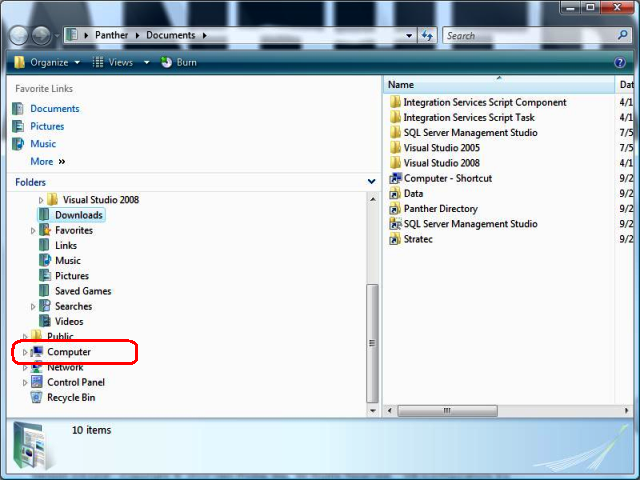
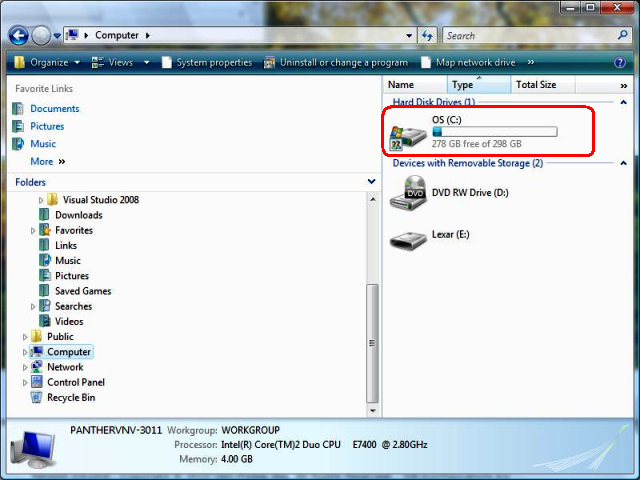
- Select Computer from the drop-down folders menu.
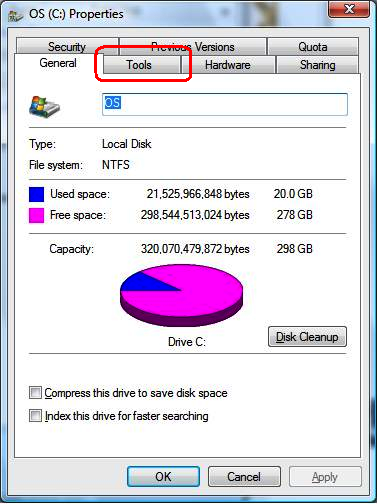
- Right-click on the C: drive and select the Properties option.
- Navigate to the Tools tab.
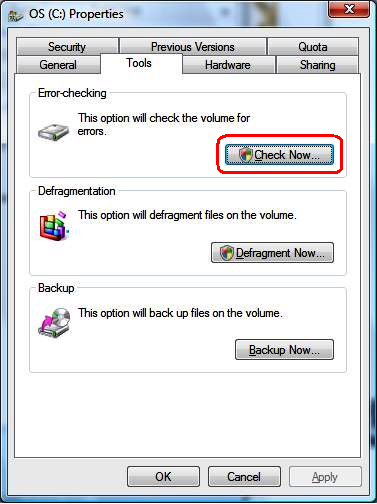
- Select Check Now and follow the prompts.
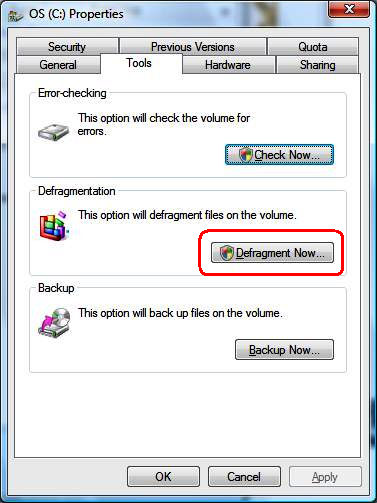
- Select Defragment Now and follow the prompts.
- Close all open windows
 button at the top of the page to send feedback, comments, or change requests.