Dashboard - Instrument Management
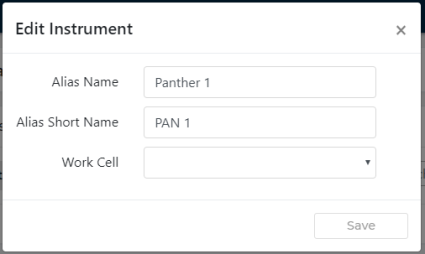
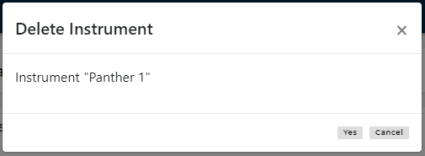
The Instrument Management screen allows users to add, edit, or delete instruments.
To access the Instrument Management screen, select Instruments from the Administration screen.
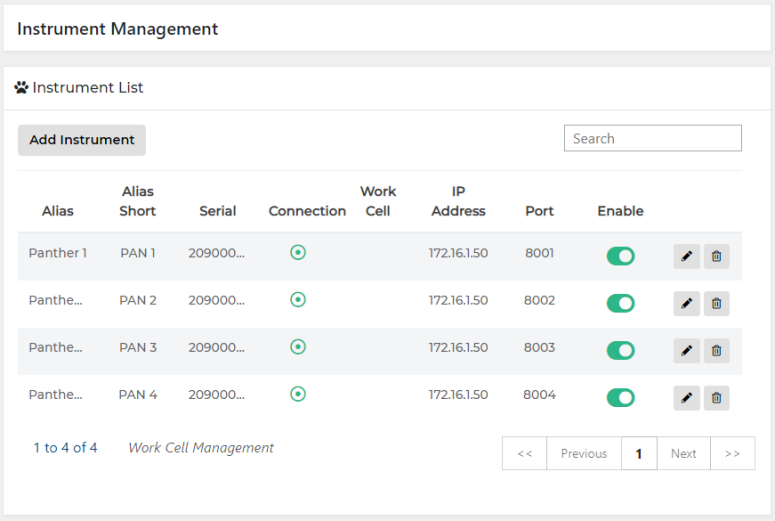
The Connection column shows whether an instrument is online, offline, ID is mismatched  , or an authentication failure
  has occurred.
The Enable column allows users to temporarily disable the dashboard connection for that specific instrument.
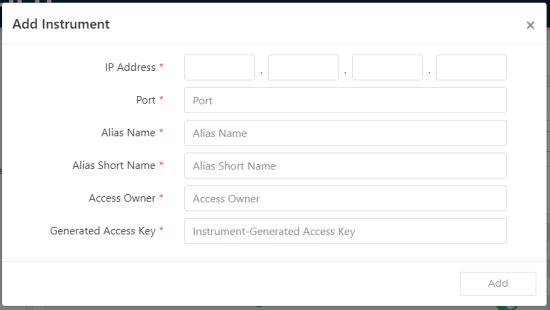
 Add Instrument
 button at the top of the page to send feedback, comments, or change requests.