Dashboard - Client Management
The Client Management screen allows users to configure their client IDs and create a client list to keep track of client samples.
Client Management is available after the Client Barcode Management option in Feature Management screen has been enabled.
To access the Client Management screen, select Clients from the left panel.
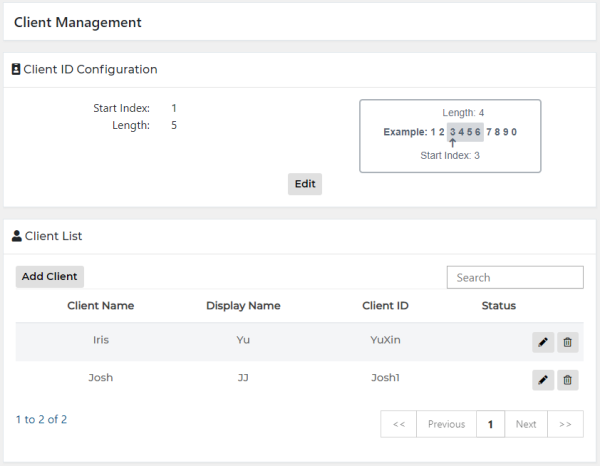
- Select Edit.
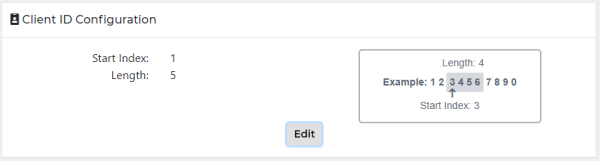
- The Edit Configuration window appears.
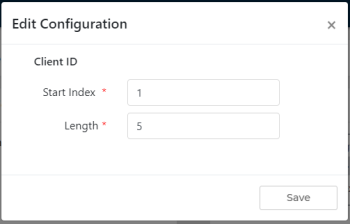
- Enter Start Index and Length values.
- Values must be between 1-20.
- Select Save.
- Select Add Client.
- The Add Client window appears.
- Enter Client Name, Display Name, and Client ID.
- Select Add.
- Select Edit.
- The Edit Client window appears.
- Enter updated information.
- Select Save.
- Select Delete.
- The Confirmation window appears.
- Select Yes.
 Client ID Configuration
 button at the top of the page to send feedback, comments, or change requests.