Waste on the Fly Installation Verification
Procedure
- Open Service Software.
- Turn the Vacuum off.
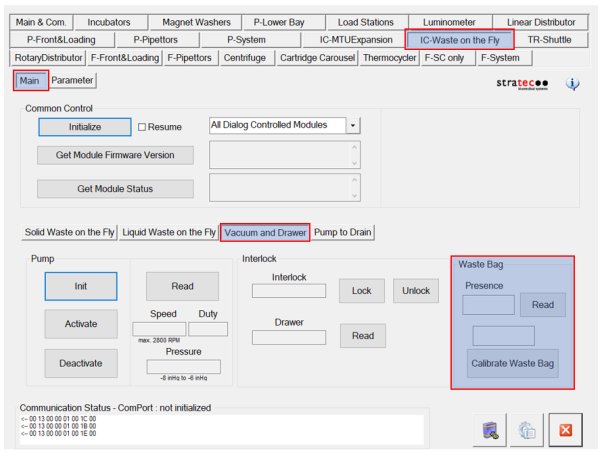
- Click on IC-Waste on the Fly tab. Select the IC-Waste on the Fly in the drop down list in the Common Control window
- Click Initialize.
- Verify there are no errors.
 Calibrate the Waste Drawer bag sensor.
- Open Service Software.
- Click on IC-Waste on the Fly.
- Click on Vacuum and Drawer.
- Close all doors and panels on the system.
- Under Waste Bag, click on Calibrate Waste Bag.
Solid Waste on the Fly Verification Procedure
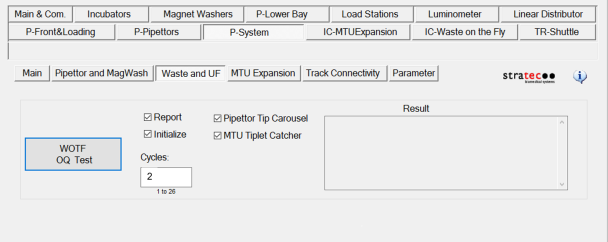
Tip Carousel & Tiplet Catcher

Liquid Waste on the Fly Verification Procedure
- Verify that the vacuum pressure is between 6 and 8 in Hg (-203 to -271 mbar).
- Click on the IC-Waste on the Fly tab.
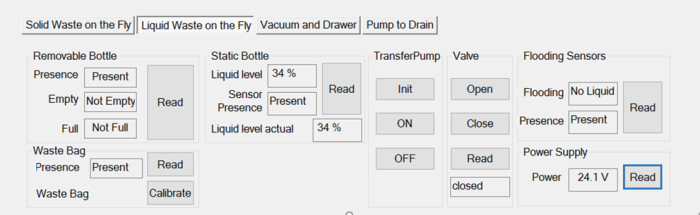
- Select the Liquid Waste on the Fly tab.
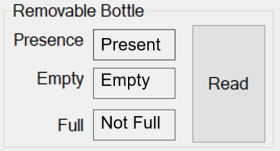
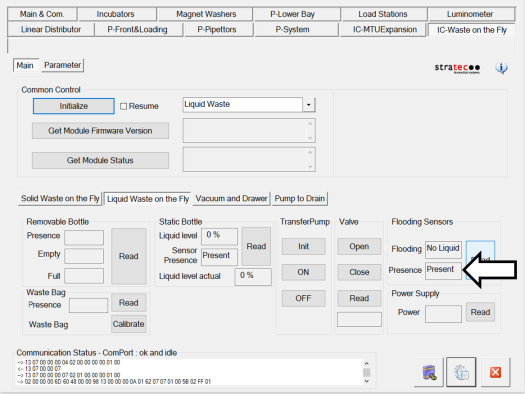
- Verify the Removable Bottle Sensors are reading Present, Empty, and Not Full with no fluid present.
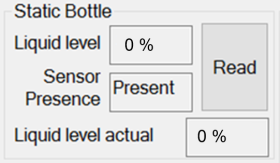
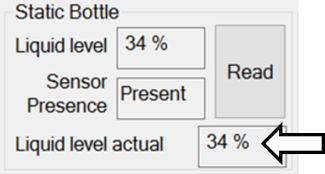
- Verify the Static bottle sensors.
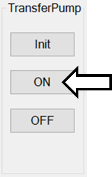
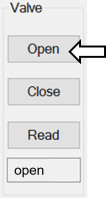
- Turn ON the Transfer Pump.
- Verify the flood sensors are present and reading No Liquid.
Universal Fluids on the Fly Verification Procedure
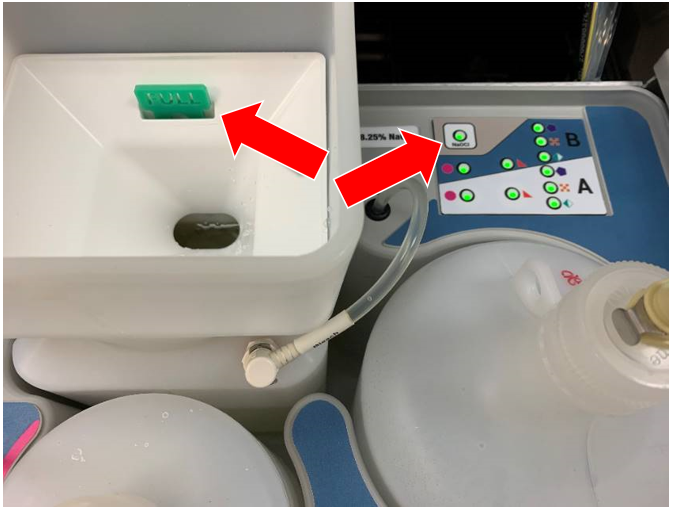
- Place the bleach bottle into its proper position in the Universal Fluid Drawer.
- Fill with bleach until you see the float and verify that the indicator light shows Full.
- Start Panther Main and run PrimeOperation of pumping fluid through tubing to ensure proper and consistent fluid delivery (remove air from the tubing, etc.)..
- If the Prime is completed with no errors the verification is complete.
- Replace ALL fluids with a fresh set for the customer.
 button at the top of the page to send feedback, comments, or change requests.