Backing Up the Coordinate.coo File
Parts and Materials Required
- Panther System PC
- USB memory stick or USB external hard drive
Time Required
- 10 minutes
Procedure
- Insert the USB external hard drive or USB memory stick into the Panther System PC.
- Log off the system software, and touch the screen or press any key on the keyboard.
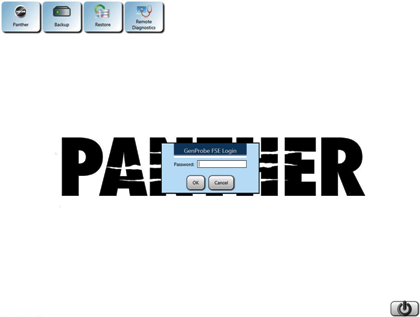
- Press Shift + F10.
- Enter the following password:
!G9x53rvic3y
Where x = the last digit of the day and y = the last digit of the month.
- Click OK.
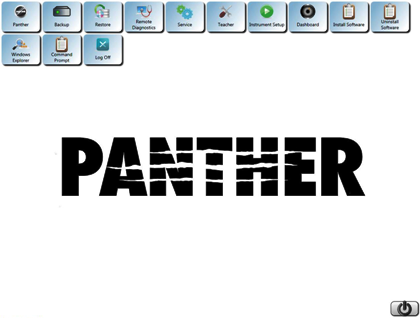
- Select Windows Explorer and navigate to the following directory:
C:\Panther\Software\PC\Data
- Copy the Coordinate.coo file to the USB memory stick or USB external hard drive.
- Safely remove the USB memory stick or USB external hard drive.
 The Panther Shield software appears.
 button at the top of the page to send feedback, comments, or change requests.